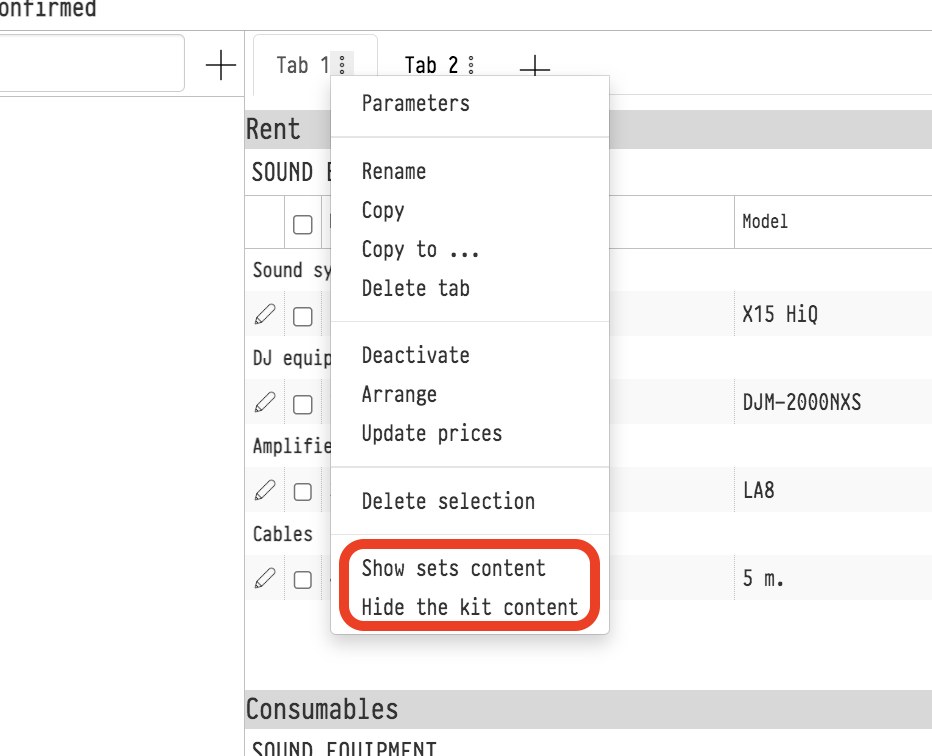
Show sets content, Hide the kit content
If you have added an item from the catalog to the estimate sheet, which is not a separate service or device, but a set of such, these two items allow you to hide or make visible the list of components of this item.
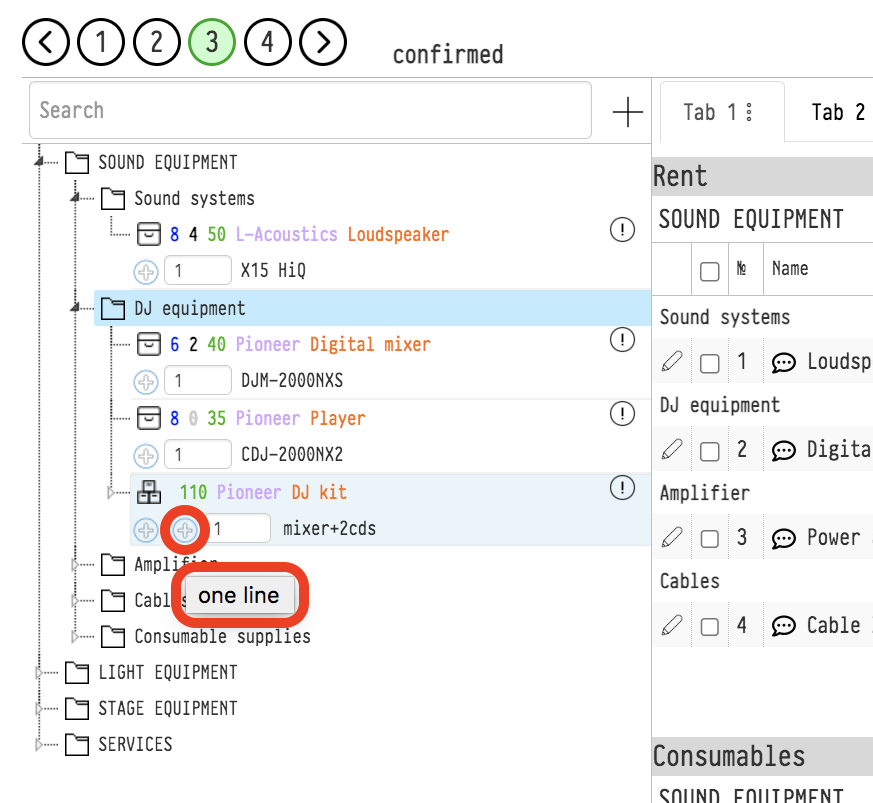
Note that these items only work if the set item is added to the estimate not using the "split by position" button (left "+" symbol (see screenshot below)), but "in one line" (right "+" symbol).
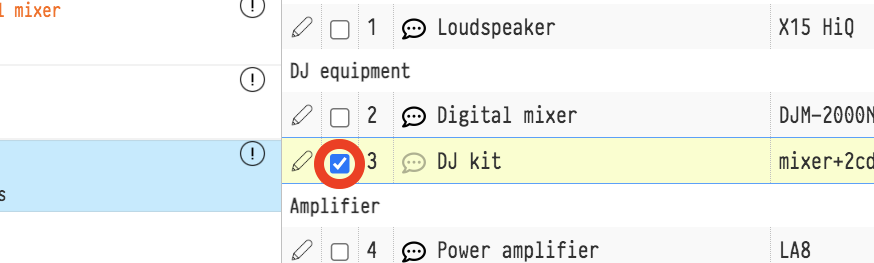
When the set item is added, select a checkbox in the estimate sheet in the line of this position that allows you to select this line (between the pencil symbol and the position number).
Next, going to the advanced settings, and clicking "Show sets content", you will see that in the highlighted line in the "Name" field, a list of its components has been added to the name of the item.
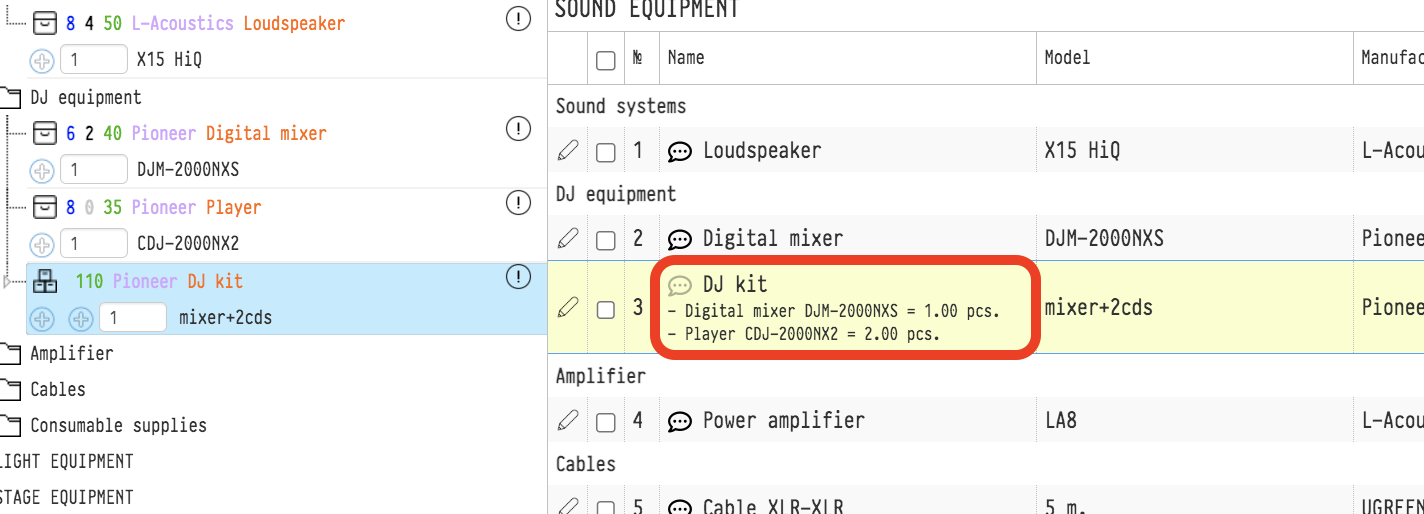
Now, if you click on the "Hide the kit content" item in the same menu, the list of what is included in the kit will disappear.