Warehouses
The “Warehouses” list lets you specify in which of your warehouses an SKU is located. To open it, click “Warehouses” above the Catalog table.
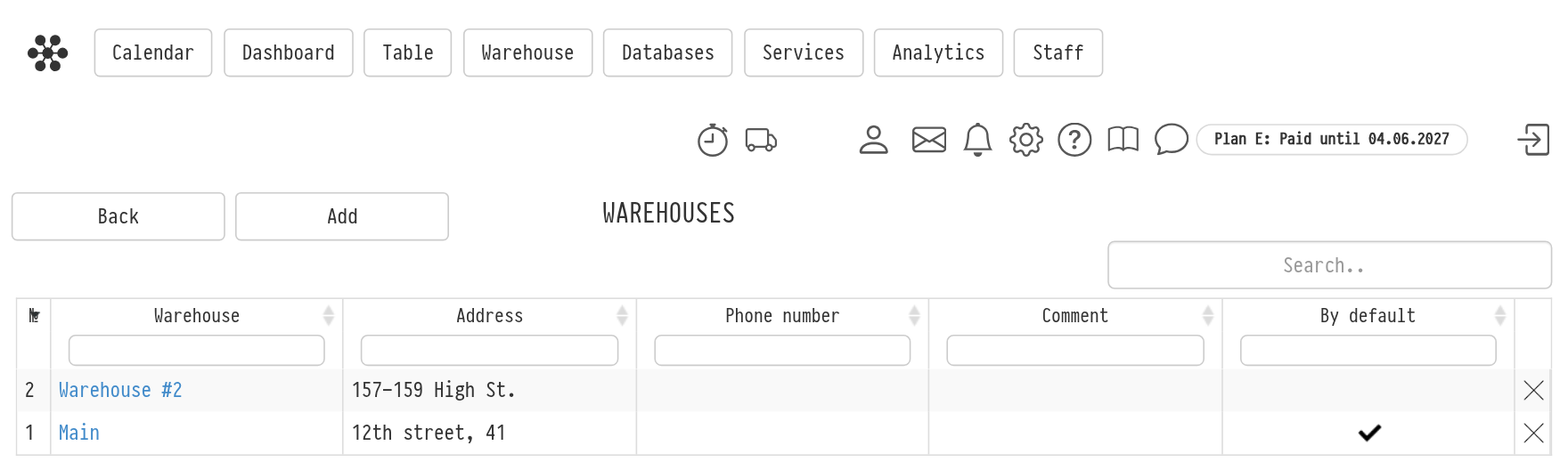
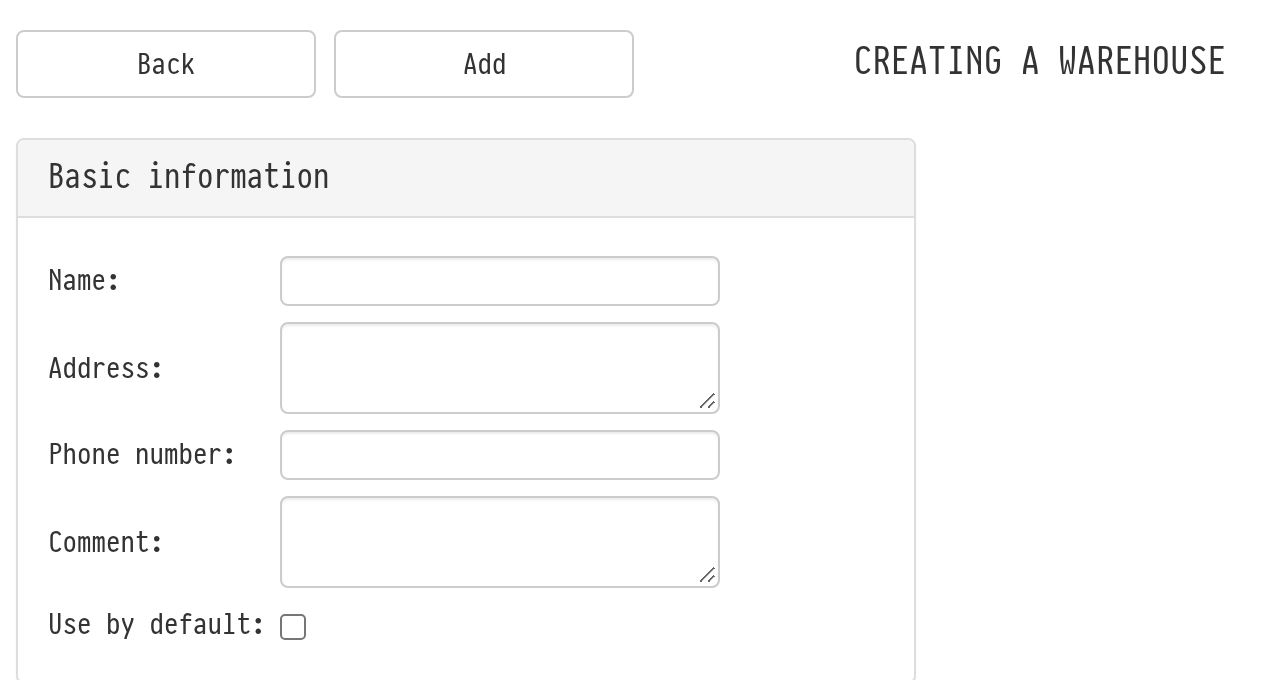
To add a warehouse, click “Add”. On the “Creating a warehouse” page, fill in the name of the warehouse, its address, phone number and, if necessary, a comment. Tick “Use by default” for the warehouse you use most often: it is marked in the “By default” column of the list. Then click “Add”.
The warehouse of an SKU is chosen in the “Warehouse” field of the SKU card.
Please note. The warehouses created here are not balances where equipment is stored, but rather coordinates for finding equipment, like “row” and “bin”. In the logic of the system, an SKU has the location “Warehouse”, regardless of which warehouse you specified in the SKU card. Therefore, if your warehouses are far from each other or in different cities, we recommend creating a separate account for each warehouse.