Additional delivery to a project
Sometimes the main equipment has already gone to the venue, and then something else needs to be delivered: the client asked for extra lighting, or the venue ran short of cables. You do not need a separate project or a separate shipment for this: the additional delivery is handled in the same project.
How to arrange an additional delivery
Open the project, the "Specification" tab, and add the entries you need to a suitable sheet, as usual. More: Specification.
Open the project warehouse. The new entries appear there in the first warehouse status (in the demo account it is "in progress"), in their catalog section. Everything already shipped stays in its statuses.
Assign SKUs and move the new entries through the statuses up to shipping to the venue: manually, with a scanner or with RFID, like any other equipment. More: Movement of articles.
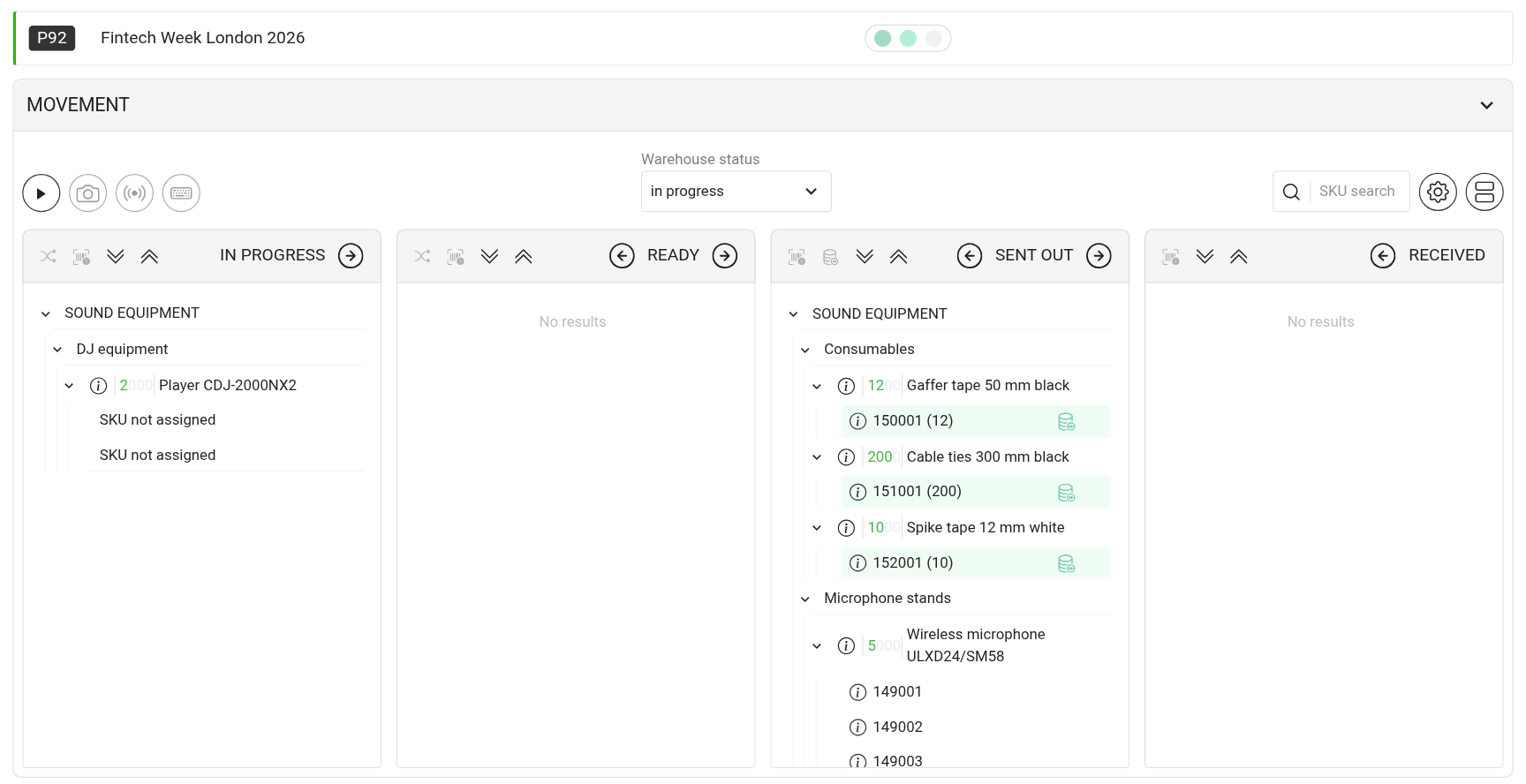
After the event, receive the additionally delivered equipment the same way as the rest, in the same project.
If the additional delivery was added to the estimate
Please note. Until the specification reaches the status with disconnection, entries added to the estimate get into the specification and the warehouse by themselves. After disconnection, changes to the estimate are no longer carried over to the specification: the technical director adds the additional delivery to the specification manually. More about the link between the estimate and the specification: Actions with a specification sheet.
If there is not enough equipment in the warehouse for these dates, the entry is shown in the "Shortage" block of the specification, where you can also sublease it. More: Shortage.