The status of the estimate
In the upper left part of the “Estimate” section there is the status field: a group of circles with numbers. The current status of the estimate matches one of the phases of the project, and its name is shown to the right of the circles (for example, “confirmed”). Use the arrows to the left and right of the circles to move the estimate to the previous or the next status.
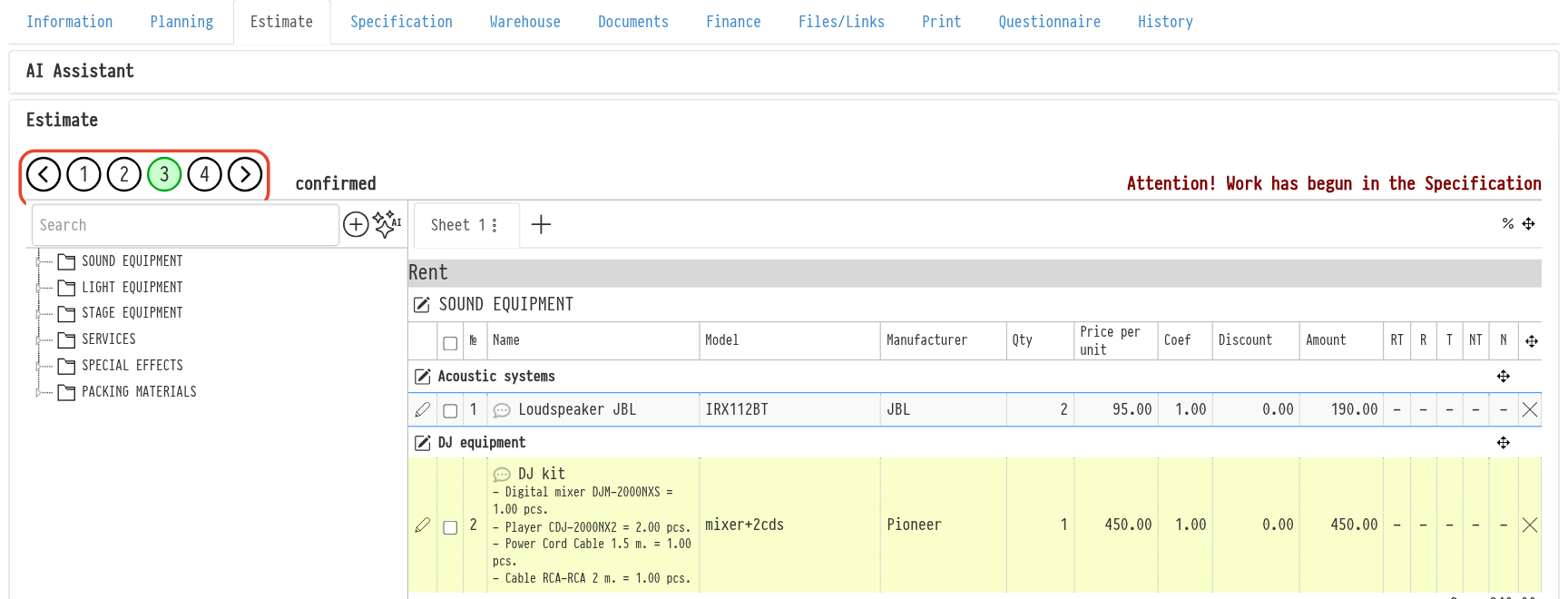
You can set the number of statuses and their names yourself in “Settings” → “System” → “Statuses”.
What you can do in a project at each status depends on the flags of that status: “Editing the Quotation”, “Editing the Project”, “Booking”, “Specification”, “Bill payment” and “Return of equipment”. For more information, see Estimate statuses.
Please note. To avoid confusion in the warehouse, you can keep the “Specification” section closed until the estimate reaches a certain status (for example, “confirmed”). You set this up yourself with the “Specification” flag of the status.