Chat
"Chat" is a common message feed for all employees of the company. Everyone sees each message, which is handy for quickly warning your colleagues, for example "The warehouse is closed until 12:00".
Please note. For personal, group and project conversations there is the "Messenger": the speech bubble icon in the header. "Chat" is one common room, without personal messages, attachments or history older than a month.
Where to find it
Click the envelope icon in the header on the right, next to the personal account icon. The icon is on the pages of the old interface, for example in the catalog and the databases. The header of the new interface (calendar, table, project) does not have it.
The red number on the envelope is the number of new messages you have not opened yet.
How to use it
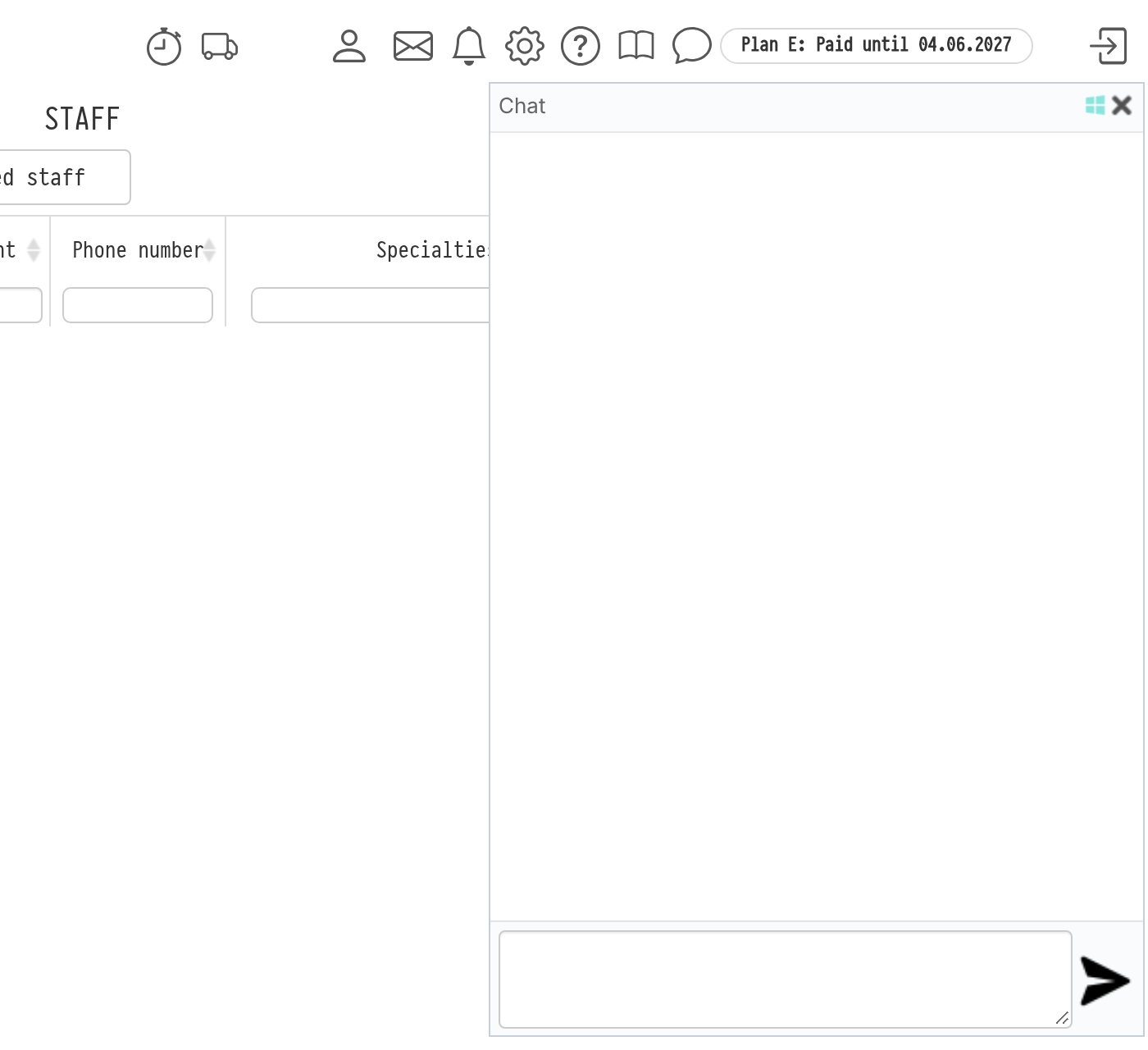
When you click the envelope, the "Chat" panel opens on the right. It shows the messages of the last month: author name, text and time.
To write, enter the text in the field at the bottom of the panel and press Enter or the send button next to the field.
To expand the panel to the full width of the screen, click the icon next to the cross in the header. Click it again to return to the normal size.
To close the panel, click the cross or the envelope again.
While the panel is open, new messages appear in it by themselves.
Messages in Telegram
Each message from "Chat" is duplicated in Telegram to all active employees who have a Telegram ID in their employee card, in the form "Name writes: text".
Please note. The message is received by all employees with a Telegram ID, not only by those who are in the system at the moment. Do not write anything personal in "Chat".