Captions
The Captions tab lets you rename any field of the document to your own words. For example, instead of “Subtotal” you can write “Amount due”, and instead of “Foreman” — “Person in charge”. At the top of the tab there is a hint: “On the left - how it prints now, on the right - your own name. Empty - keep as is.” So the current label is shown on the left, and the field for your own name is on the right. To return the standard label, clear the field.
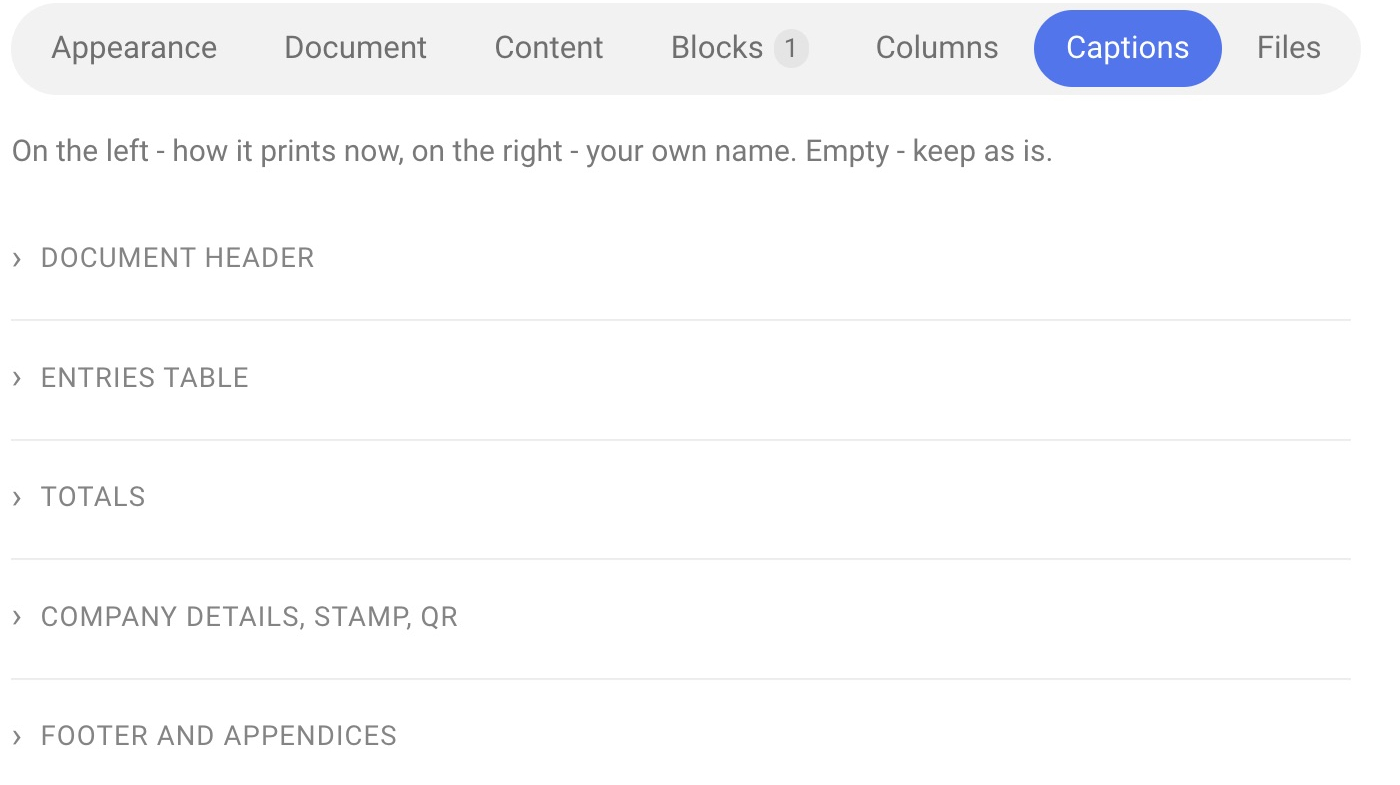
Groups of fields
Fields are grouped by their place in the document. Click the name of a group to expand its fields.
Document header — date of formation, project number, company, project name, date (and “Together with the event time”), client, client phone, venue, address, total amount, currency, price type.
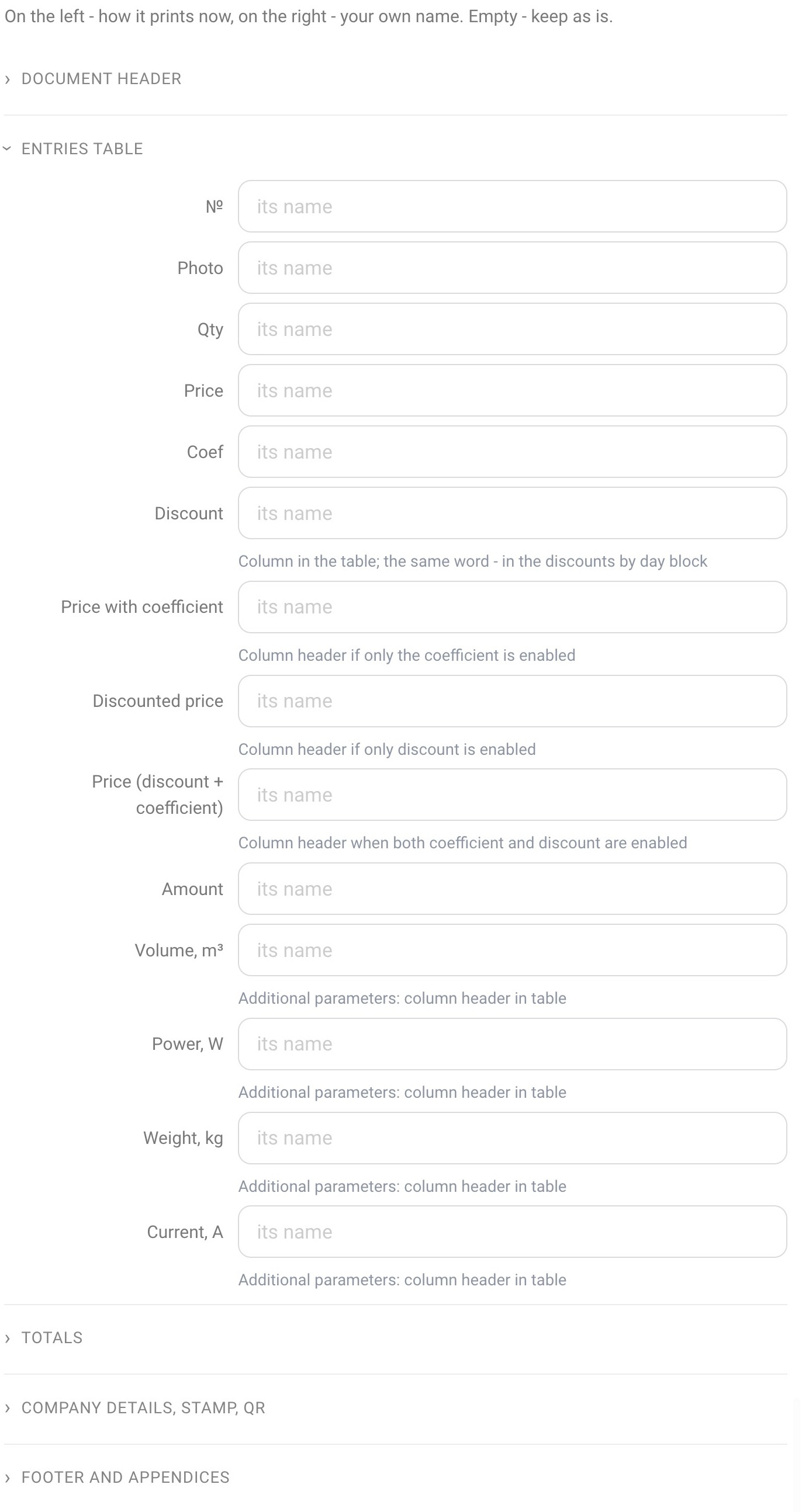
Entries table — “№”, “Photo”, “Qty”, “Price”, “Coef”, “Discount”, “Price with coefficient”, “Discounted price”, “Price (discount + coefficient)”, “Amount”, and also the column headers of the additional parameters: “Volume, m³”, “Power, W”, “Weight, kg”, “Current, A”. For the fields “Price with coefficient”, “Discounted price” and “Price (discount + coefficient)”, the hint says when exactly this header is printed: only the coefficient, only the discount, or both together.
Totals — the labels of the total rows: the title of the summary table, “Subtotal” (the row under each section), “SUBTOTAL - RENTAL”, “SUBTOTAL – SALE”, “SUBTOTAL – DELIVERY”, “TOTAL - EQUIPMENT”, “Subtotal - Consumables”, “SUBTOTAL - SERVICES”, “DISCOUNT”, “COEFFICIENT”, “SUBTOTAL INCLUDING DISCOUNT” and others, including the labels of the discounts-by-day block: “For the period: from %a to %a” and “%a day %a”. Keep both %a signs in such labels: the dates, or the day number and the discount, are inserted in their place.
Company details, stamp, QR — “VAT”, “bank account”, “BIC”, “Director” (under the signature, if no manager is specified in the company card), “M.P.” and “company website” (the caption under the QR code).
Footer and appendices — “page” and “of” in the page numbering, and also the column headers in the appendices: “Staff” (full name, job title, start, end, comment), “Vehicles” (number, registration plate, brand, model, series, certificate), “Tasks” (task, period, performer) and “Timeline”.
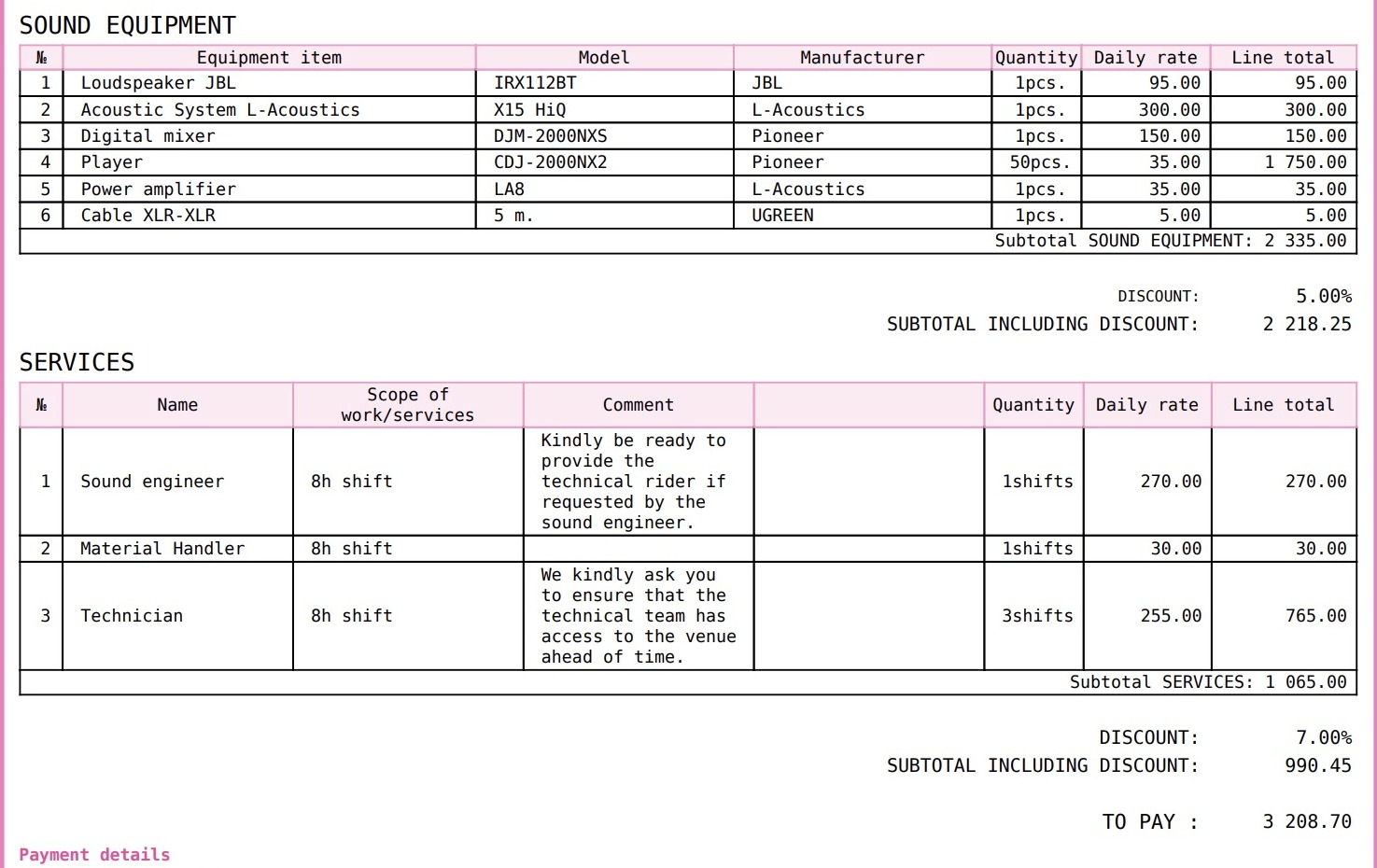
To choose which table columns are shown at all, use the Content and Columns tabs.