Shortage
The "Shortage" setting defines which shortage the technical director sees in the "Shortage" block on the "Specification" tab of a project.
Where to find it: gear "Settings" → "System" → "Specification and warehouse", the "Shortage" card, the "Display Settings" field. The change is saved at once.
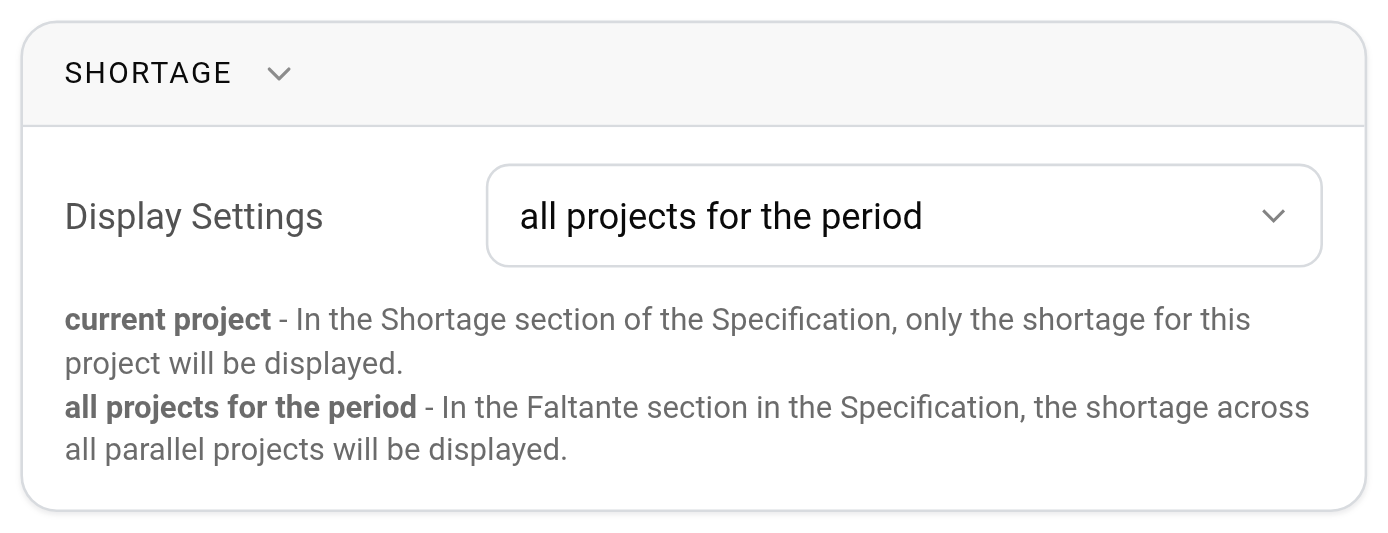
Options:
current project: the "Shortage" block shows only the shortage for this project;
all projects for the period: the block shows the shortage across all parallel projects.
In both cases the system uses the booking period, not only the project dates, and calculates the shortage at the busiest moment, by the minimum required quantity. How it works: see Shortage.
If you do not have special needs, select "all projects for the period". This way you see in advance a shortage caused by other projects and lower the risk of overbooking.