Documents
In the "Documents" section, you can quickly, without unnecessary difficulties, create a package of standard documents for the project (an act of acceptance and transfer of equipment, an act of return of equipment, an invoice, etc.).:
- Click on the plus sign on the far left side of the section
- Select the template on the basis of which the package of documents will be generated
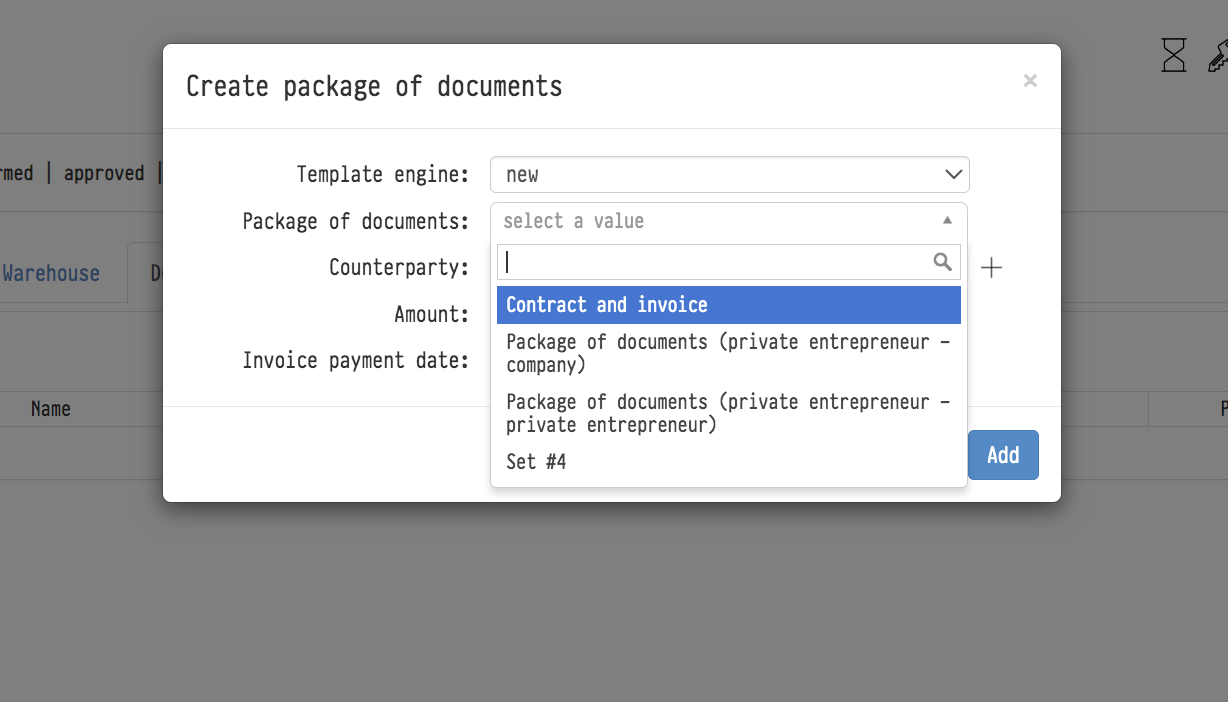
- Choose a counterparty
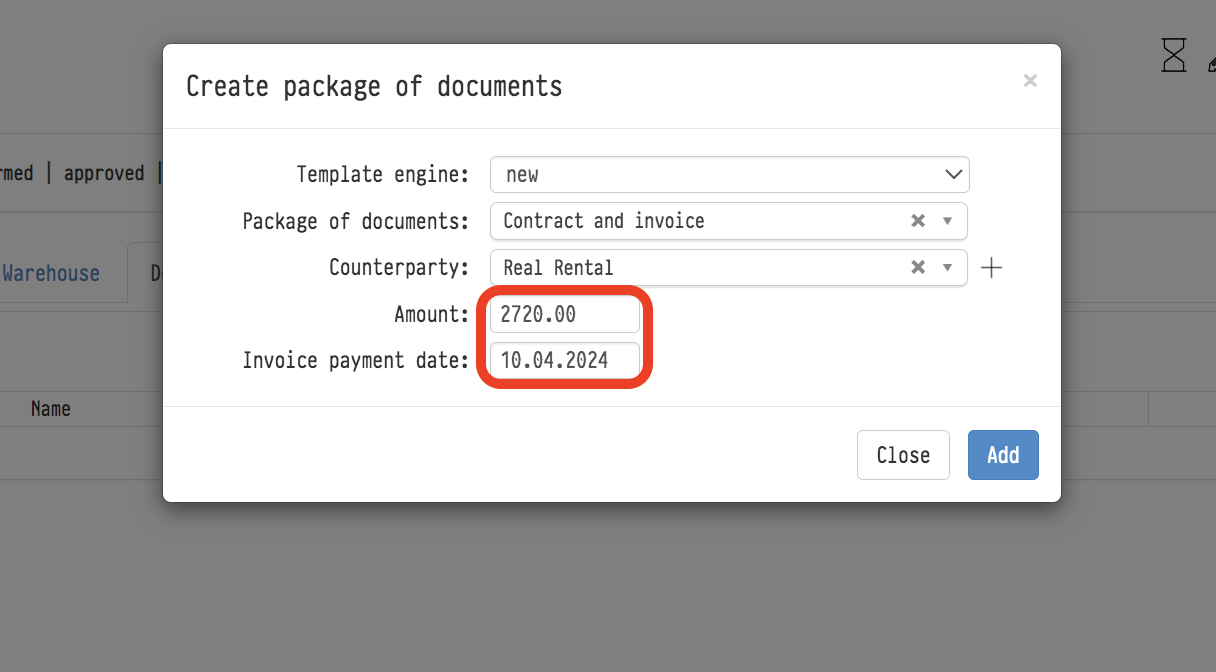
- Specify the amount of the contract and the date of payment of the invoice.
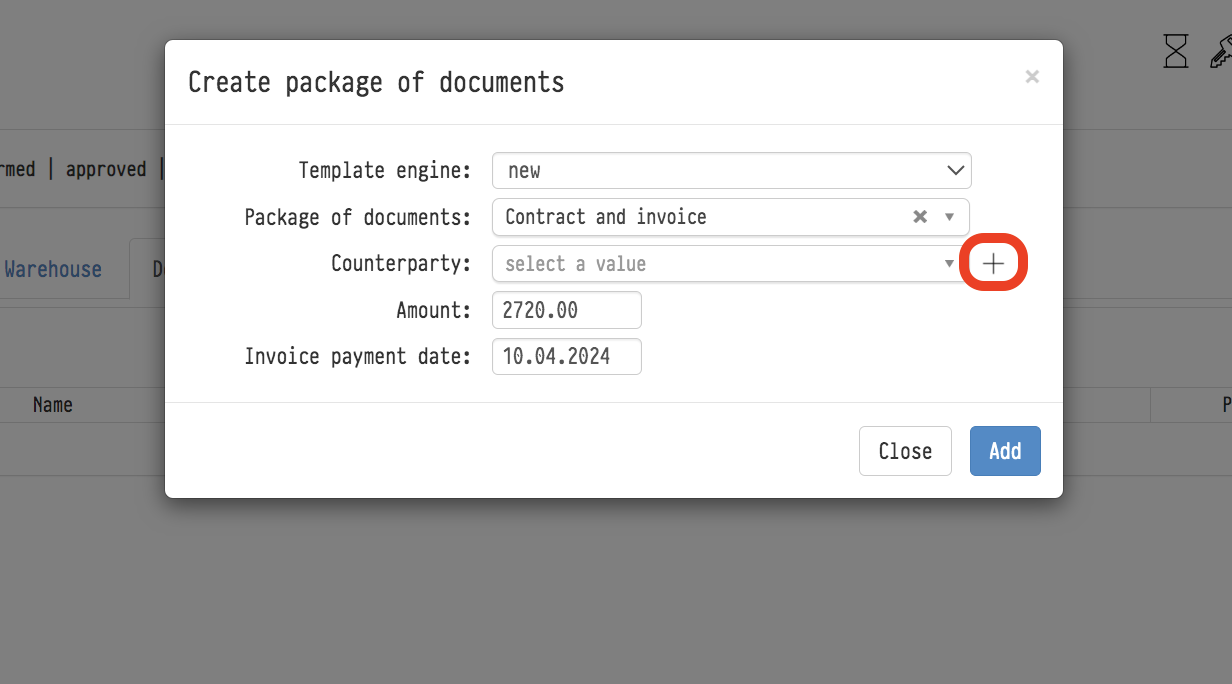
Clicking on the "plus" icon near the counterparty line will allow you to add a new counterparty while in the "Documents" section, without returning to the "Counterparty Databases" section.
esc
↑↓ navigate
↵ select