Price types
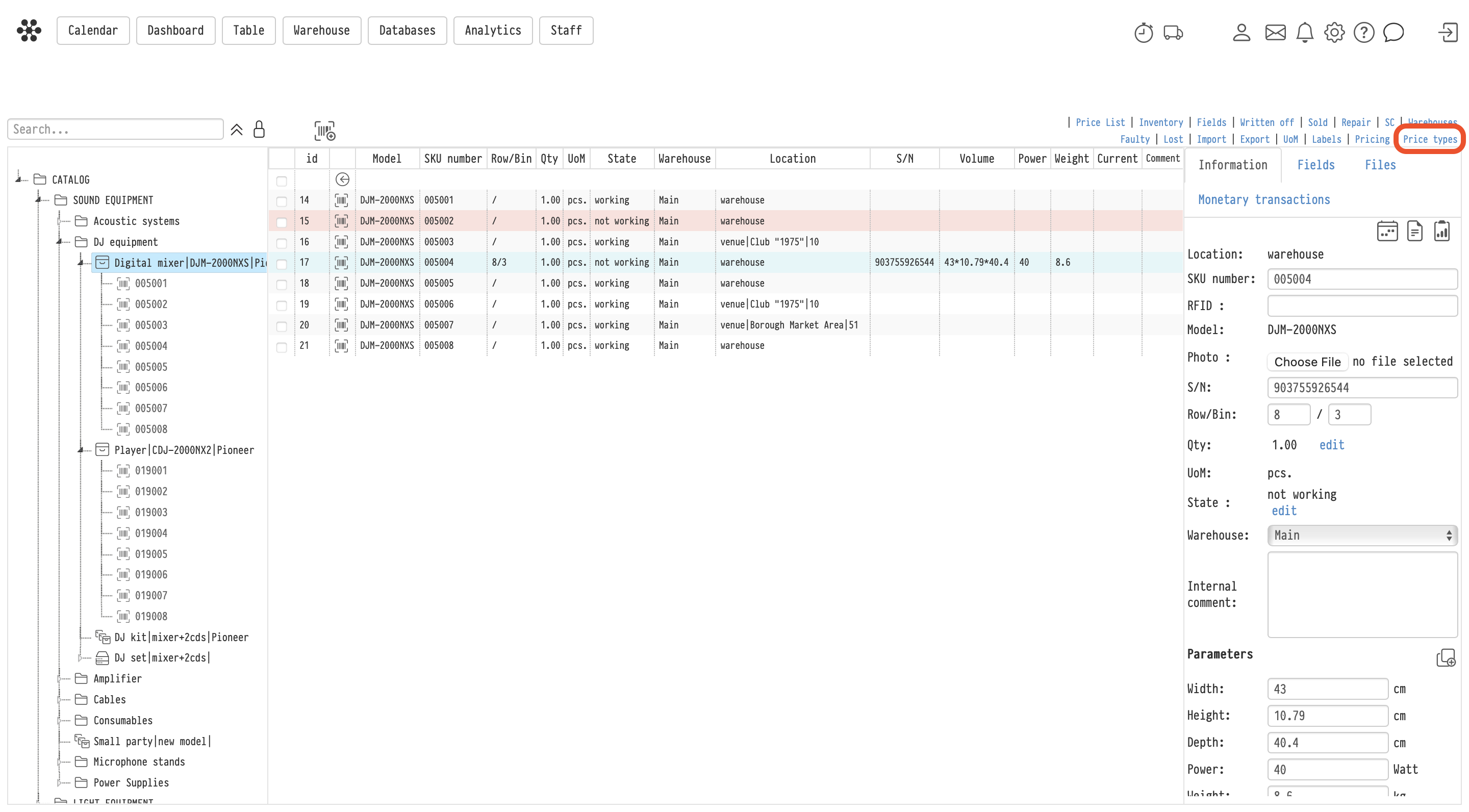
Price types are located in the top menu of the Catalog:
Catalog → Price types
A price type is an alternative set of prices for catalog entries.
It allows you to use different rental prices for different clients, projects, or working conditions.
For example:
- prices for loyal customers
- prices for sublease projects
- special prices for specific venues
- social or charity rates
Creating a price type
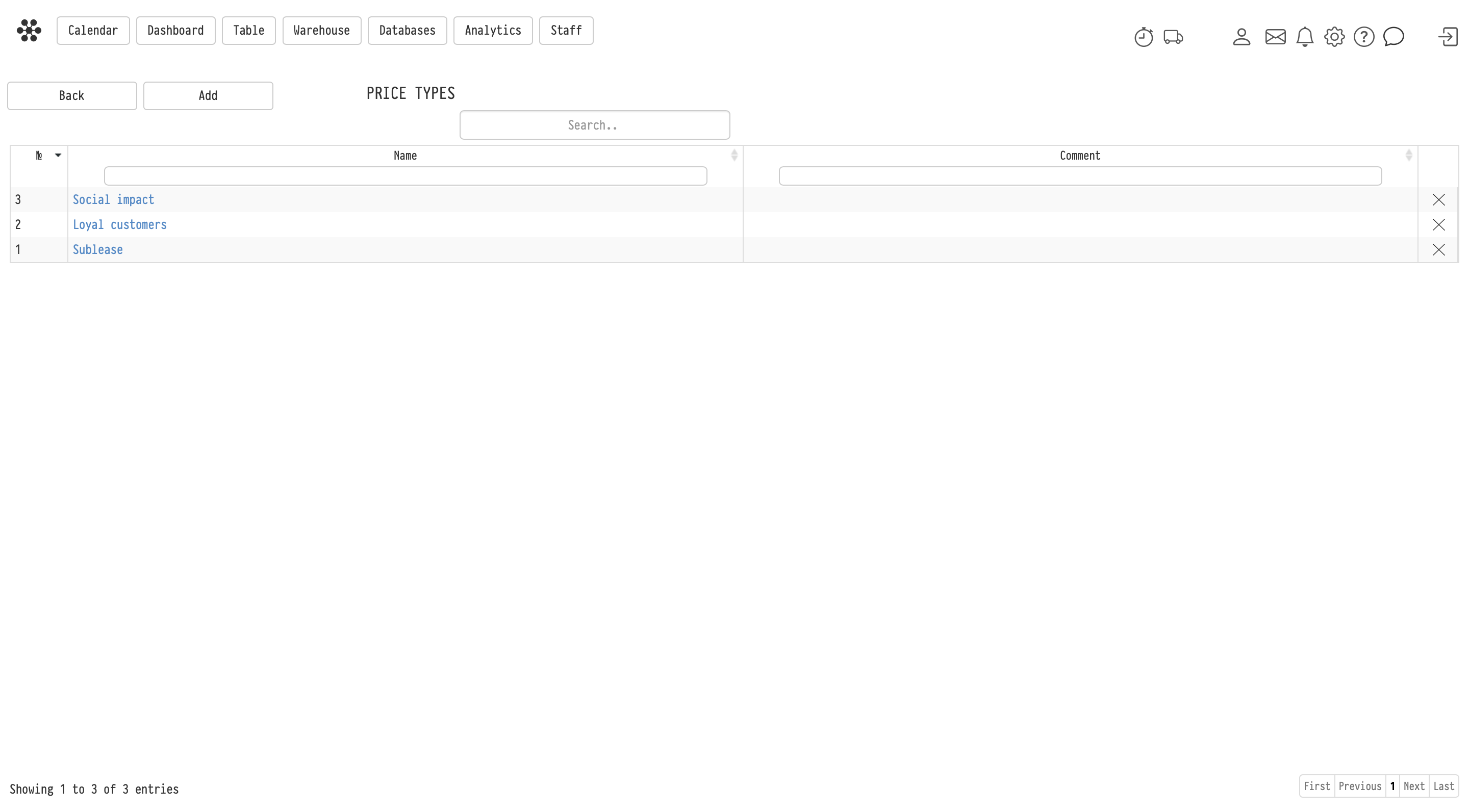
On the Price types page, you can:
- create a new price type
- specify its name
- add a comment
The number of available price types depends on your subscription plan.
How price types work
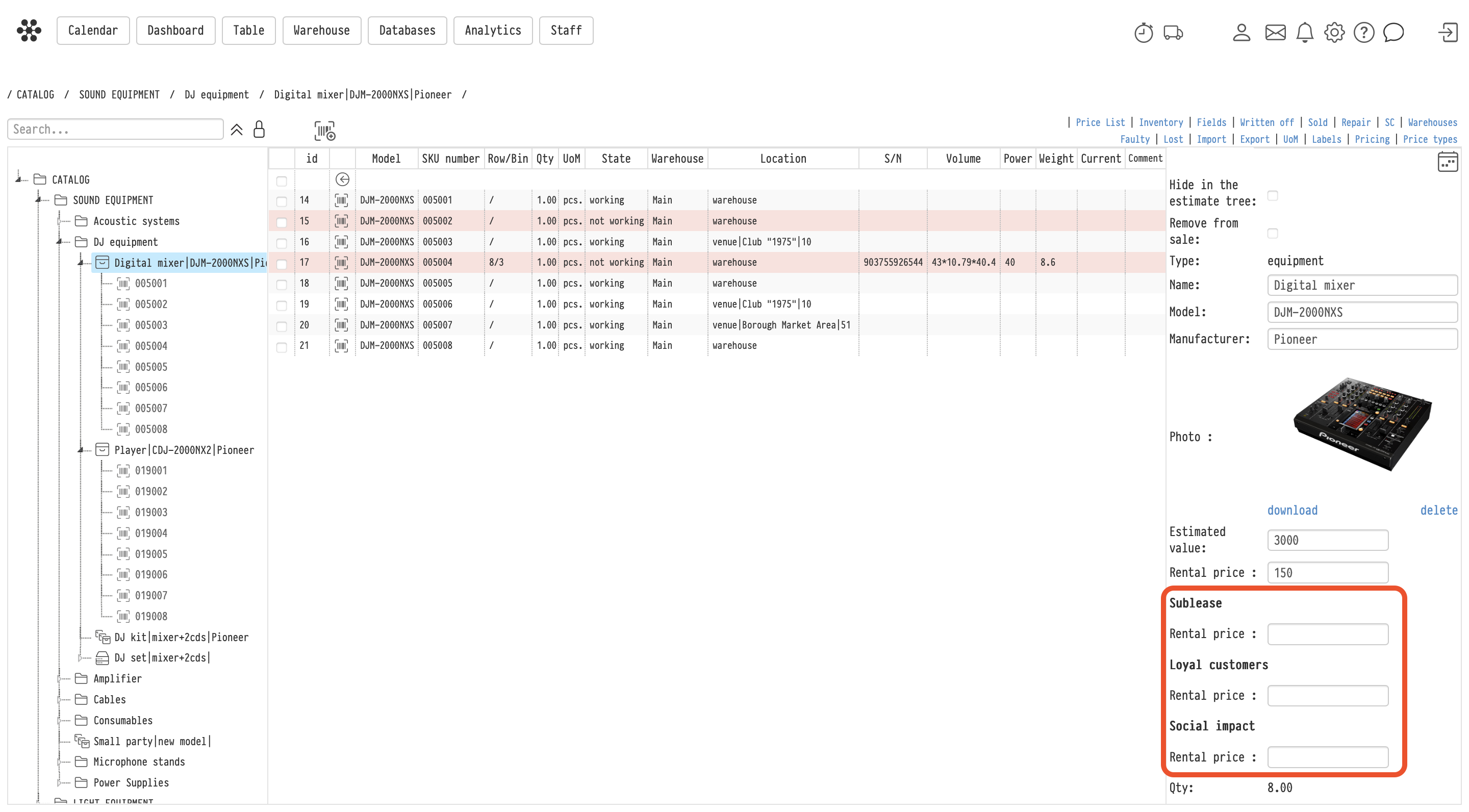
After creating a price type:
- an additional rental price field appears in the catalog entry card
- a separate rental price can be specified for each price type
Price types work for:
- equipment
- kits
- components
- consumables
- services
In other words, for all entries that can be added to an estimate.
Using a price type in a project
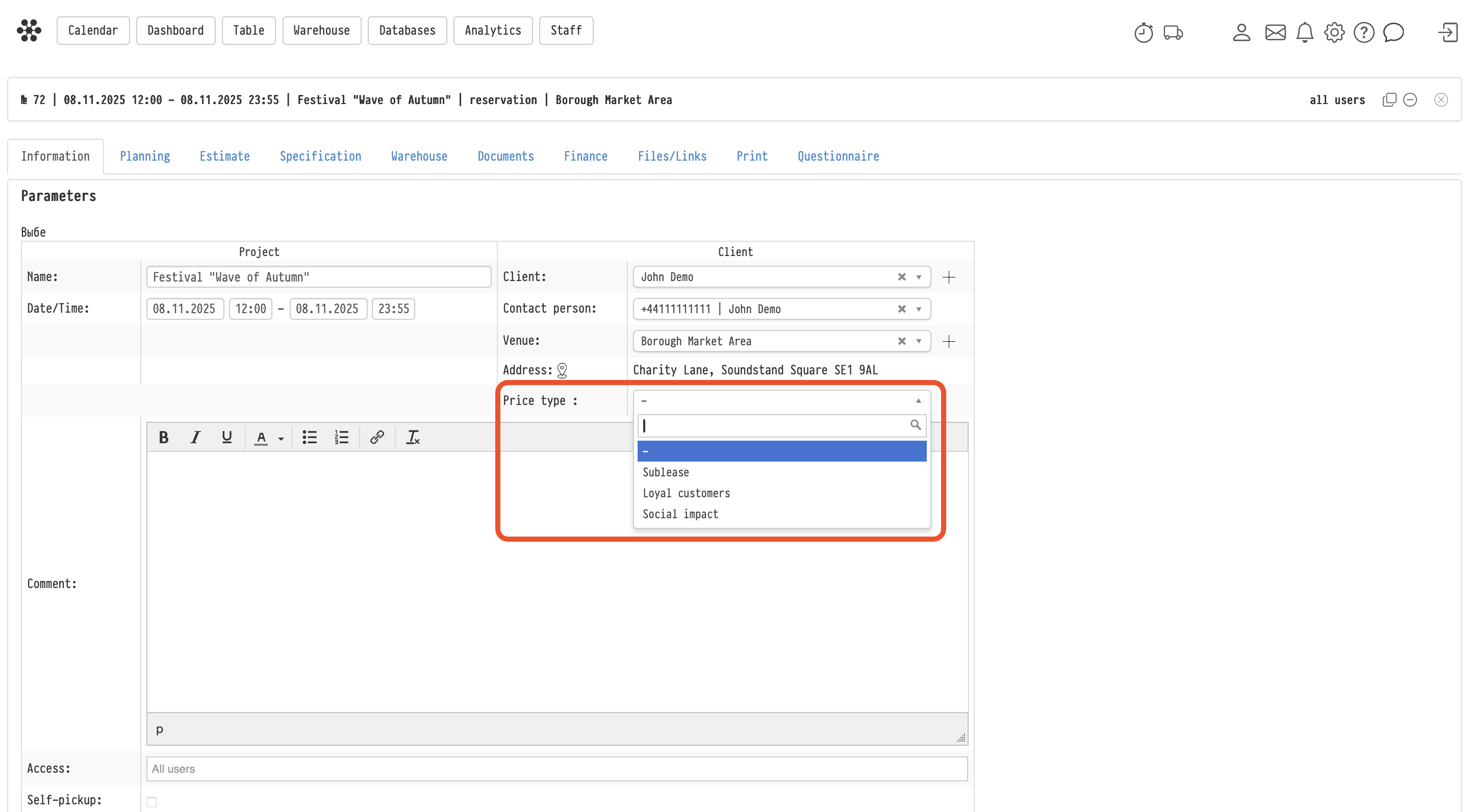
The price type is selected on the:
Project → Informationtab.
After selecting a price type:
- all prices in the project estimate are taken from the selected price type
- prices displayed in the catalog tree inside the Estimate tab are also updated according to the selected price type
Important:
- one project can use only one price type
- the price type is applied to the entire project, not to individual estimate sheets
If a price is not filled in
If an entry does not have a price specified for the selected price type:
- its rental price in the estimate will be displayed as
esc
↑↓ navigate
↵ select