Registration of a personal account
Registration in Golova is one short flow: you create an account, confirm your email, create your company and go straight into the system. You no longer need to open the personal account separately and wait for an email with a link.
Registration
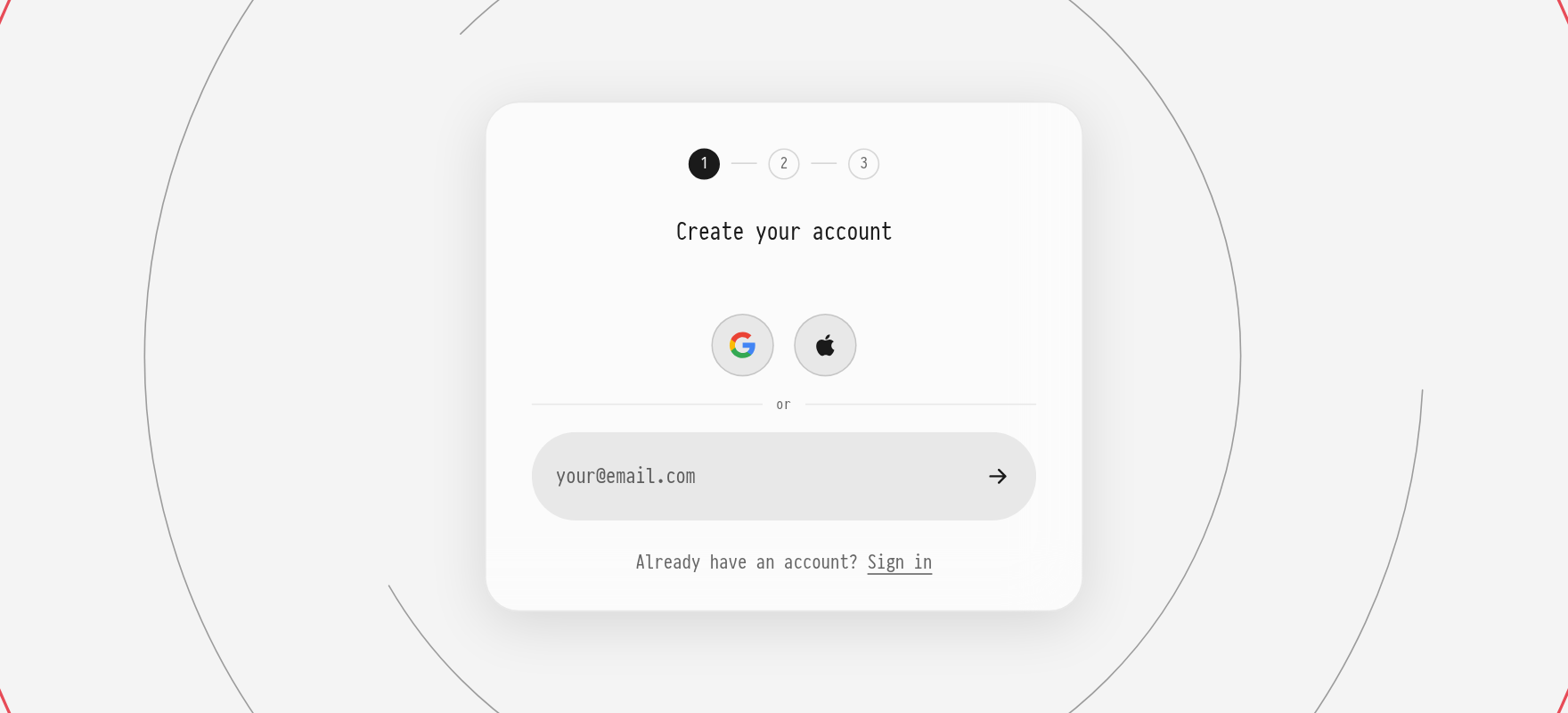
Open the registration page https://golova.ai/register. The page title is "Create your account".
Enter your email address and click the arrow next to the field. Instead of an email, you can sign up with Google or Apple: the buttons are above the email field.
You will receive a code by email. Enter it on the next step. If the email does not arrive, you can request the code again after a while.
Create a password. The hints under the field show which password requirements are already met.
Tick the required consents (user agreement, personal data processing, privacy policy). Consent to marketing emails is optional.
If you have a promo code, enter it on this step.
Confirm the creation of the account.
Next, the company creation form opens. It is described in the article Company registration.
Login
You log in on the page https://golova.ai/login:
with your email and password: enter the email, click the arrow, then enter the password;
with Google or Apple: the buttons above the email field.
If you have no account yet, click "Sign up" under the field. If you forgot your password, use the password recovery link on the password step: we will send you a link to reset it.