Print. Default Display Setting
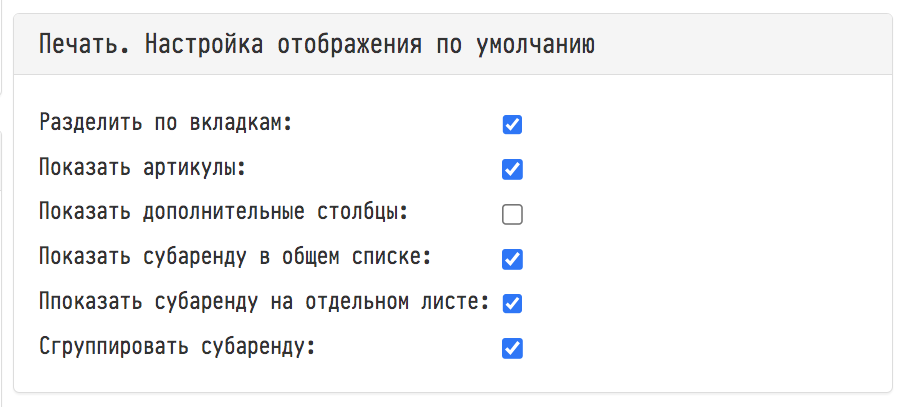
This block of settings is directly related to the following two blocks of each of your projects: the "Display" item (symbol ) in the inventory list menu in the "Print" section of the project, and the "Options" item in the "Print" block of the "Specification" section of the project.
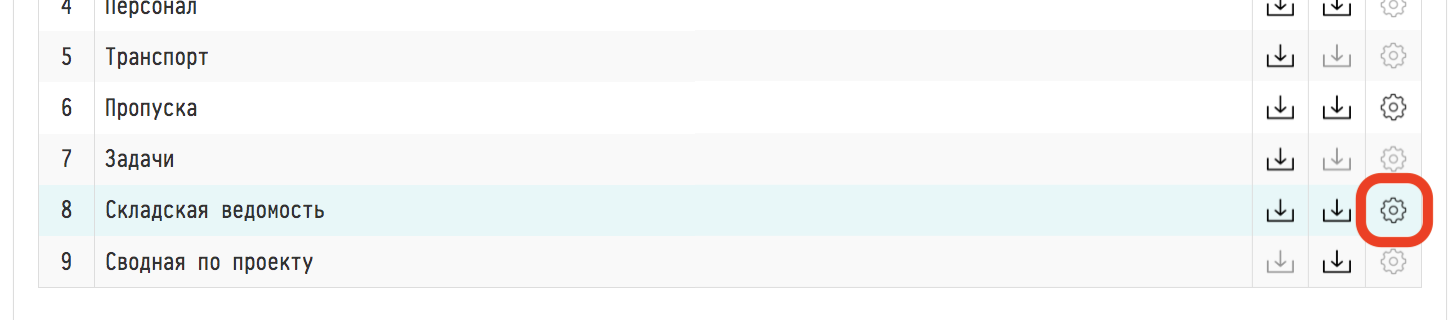
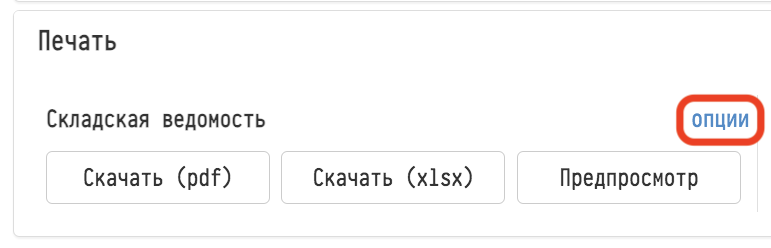
Both project blocks are responsible for setting up the type of inventory list.
In which checkboxes of the global settings of the block "Print. Default display setting" you will set the checkboxes, in the same checkboxes of the two mentioned blocks of each project, they will automatically appear.
esc
↑↓ navigate
↵ select