Project Management/Penalties
The planned project management costs that we see here are automatically pulled up from the "Planning" section.
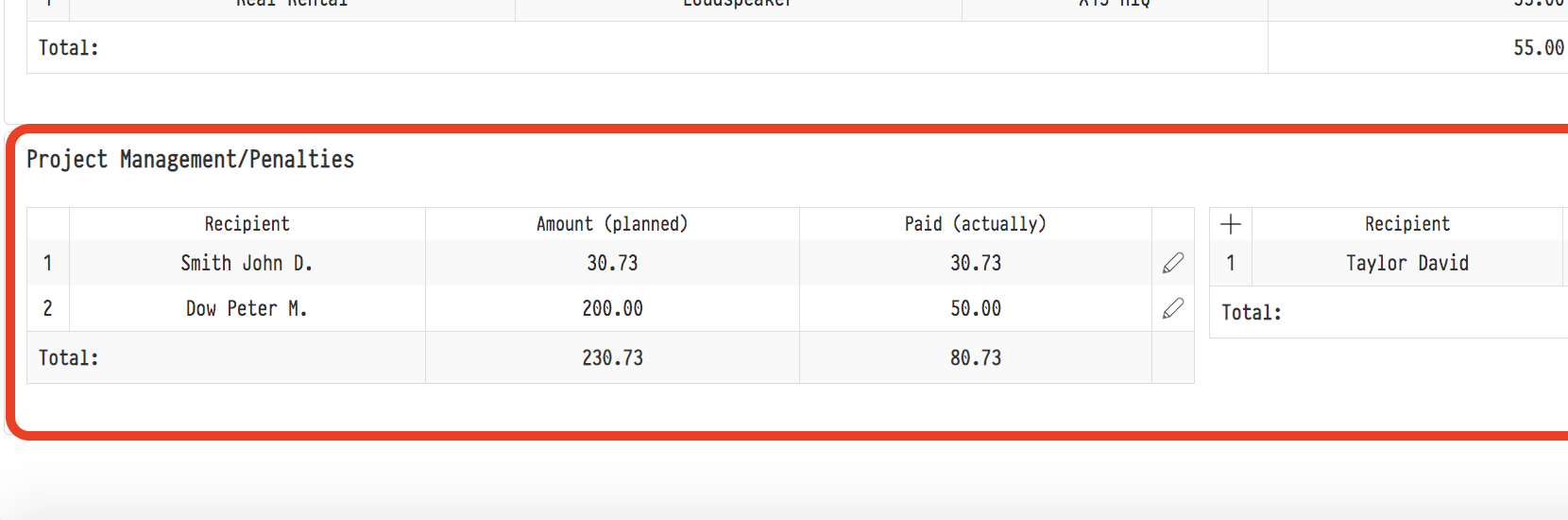
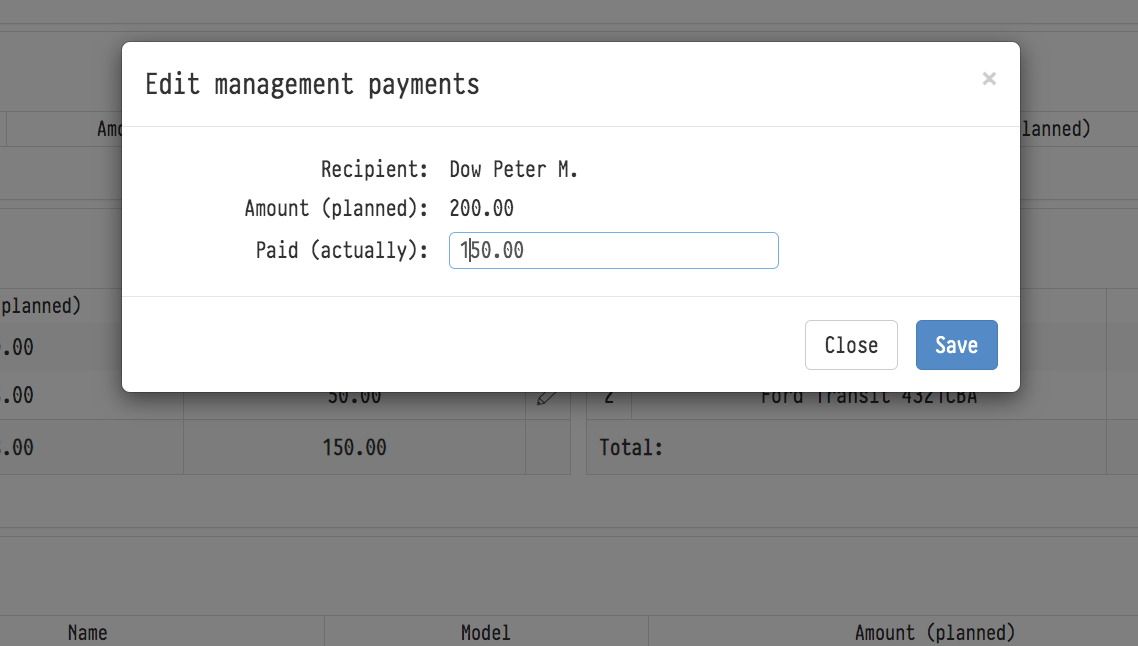
As they are actually paid, click on the "Pencil" icon (the right end of the line of each payment), and enter the amounts of payments made.

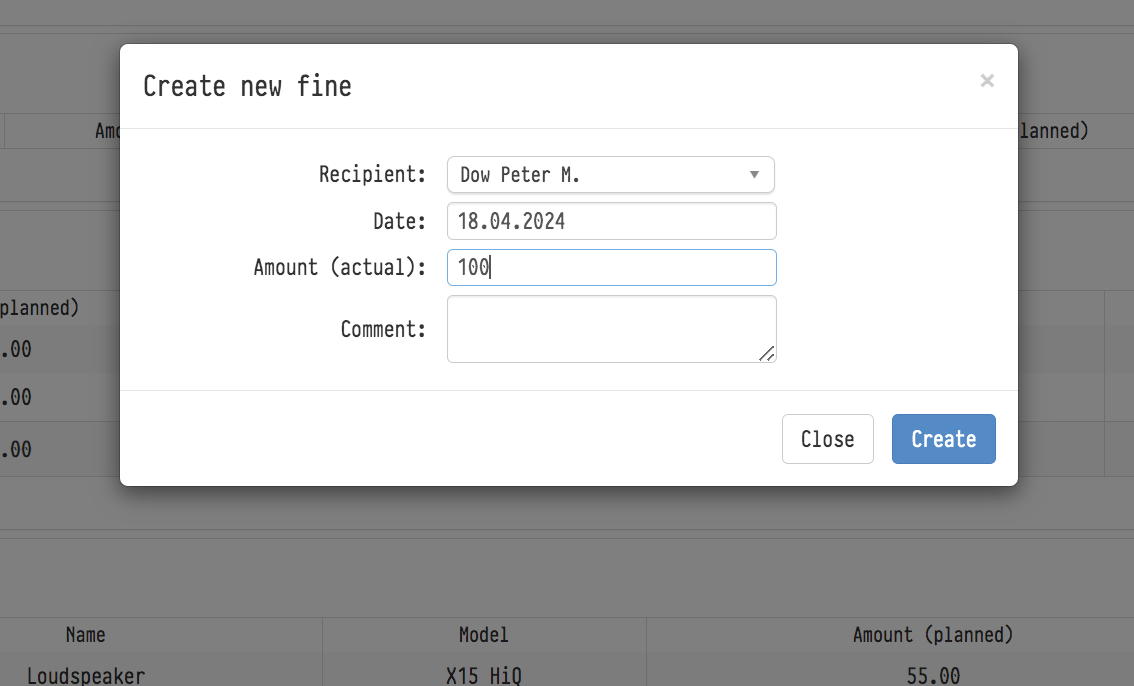
To enter information about the fines paid into the system, click on the "plus" symbol available in this block. And in the "Create a new fine" window that appears next, fill in the appropriate fields.

esc
↑↓ navigate
↵ select