Templates
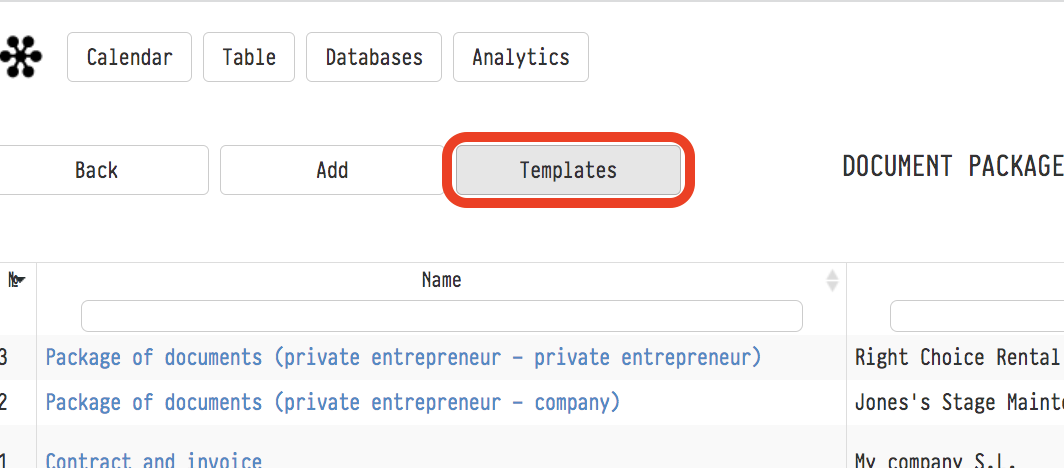
Every package that you see in your Golova account consists of its own set of templates. Click the "Templates" button to open all the templates of your account, where you can view and edit them.
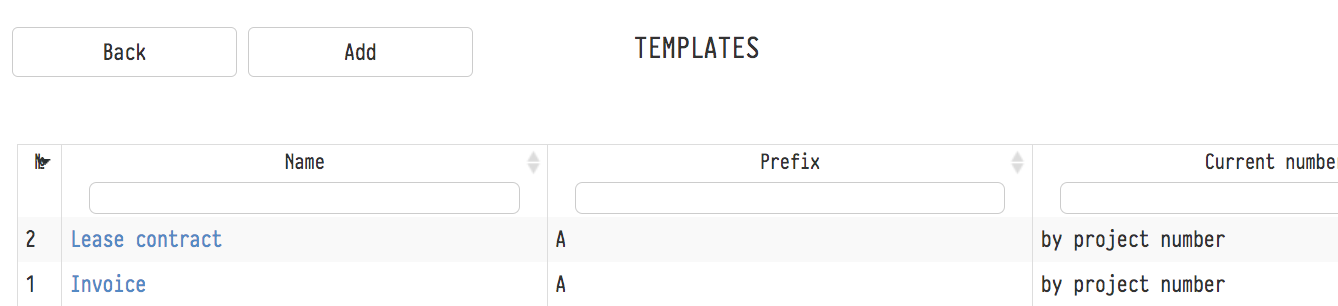
Any template here is, in fact, an ordinary ready-made document, like the ones you draw up with a lawyer or accountant (bill, contract, delivery note, etc.), but certain places in this document are replaced by combinations of technical symbols: variables. Variables stand for information unique to each project: the project name, the list of equipment and services, their prices, tax amounts, the names of companies and counterparties, their details, etc. When you generate a set of documents from a package, the information you entered earlier while working in this project and with your databases is filled in automatically in place of the variables. As a result, you get a set of documents with real figures, dates and names, ready to be signed with the client and used for reporting.
Where to find variables
The list of variables is on the "Templates" page, in the "Variables" menu:
"System": all ready-made system variables with a description of what each one outputs: dates, amounts, discounts, coefficients, taxes, amounts in words, project, company and counterparty data. Copy the record you need, for example
${s_name_project}, and paste it into the Word file of the template;"Custom": variables you create yourself, for example a contract number or delivery terms. Their values are entered manually when a document package is created.

Creating a new template
If you want to use one of your documents as a standard one, that is, create a template based on it, do the following:
- In the electronic version of the source document, replace all the unique information about its project with variables.
- Convert the resulting file to docx format
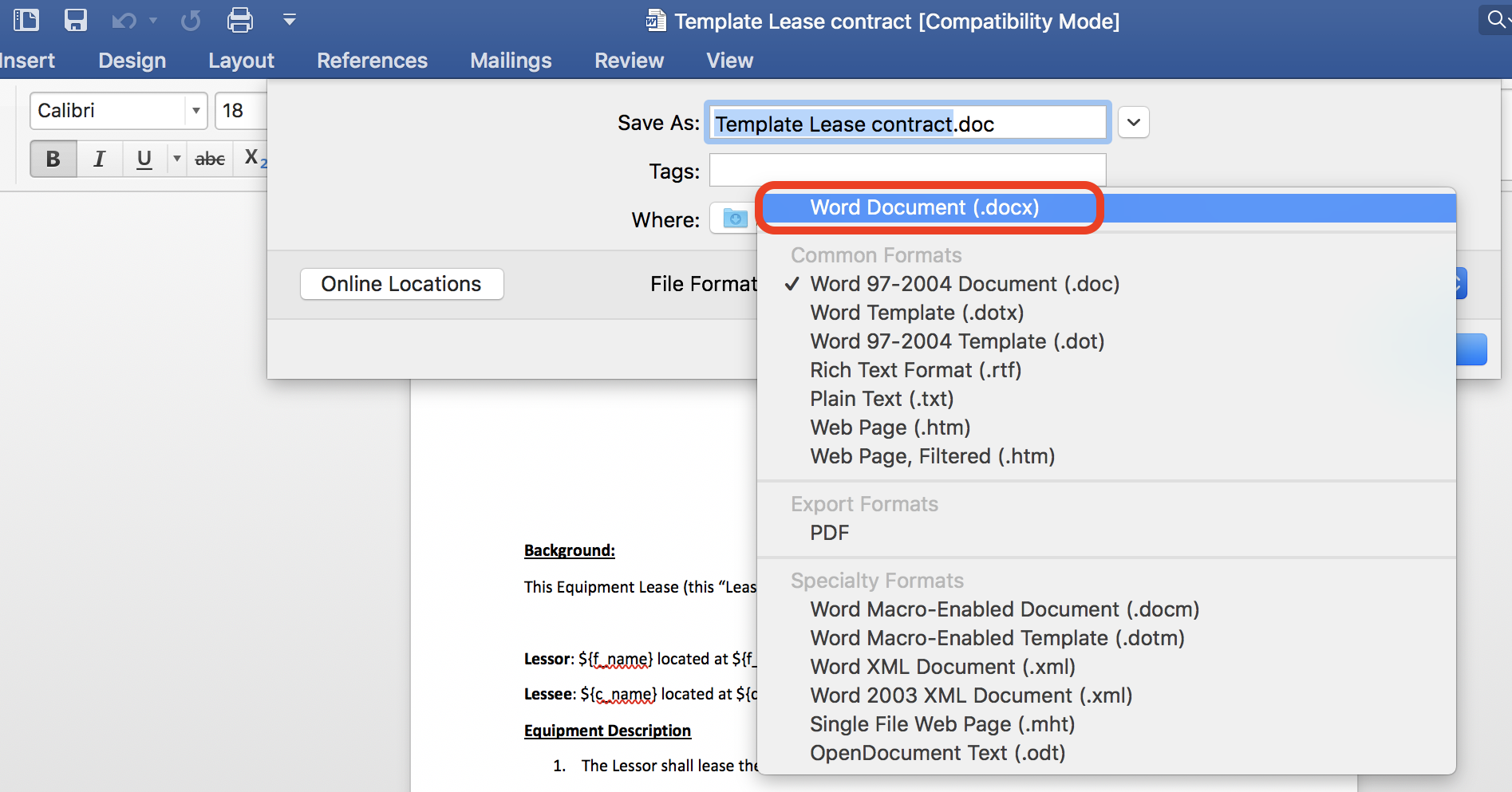
If the document is already in this format, skip this step.
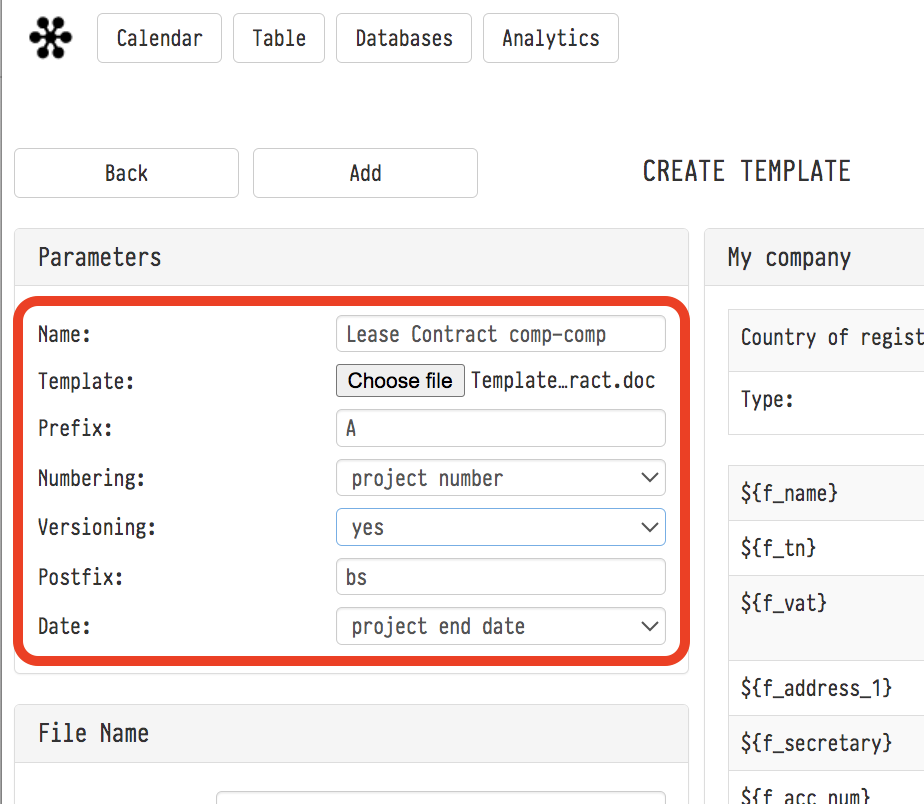
- Upload the template to your Golova account: click "Templates" → "Add" → "Choose file".
- On the same page, enter the name of the new template and fill in the fields that set the name of the real document created from this template, that is, the name it will have in the system ("Prefix", "Numbering", "Division into versions", "Postfix", "Date"), and the fields that set the file name of this document, that is, the name you will see when you download the file ("File name", "File name postfix").
5) Click "Add".
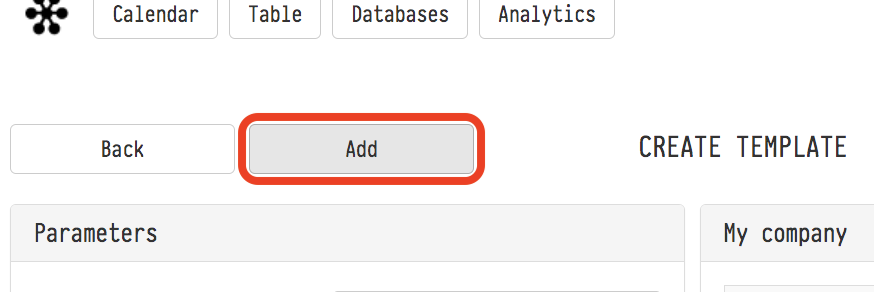
The new template appears in the list.
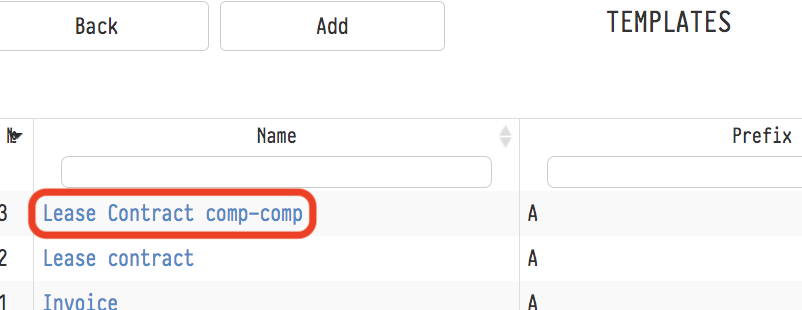
Now, to create documents based on it, either add this template to one of the existing packages or create a new package with this template.
In "Variables" → "System" there is the "Table listing equipment/services with a price modifier" block. Its variables output the estimate table taking into account both taxes of the sheet, which is handy for bills and invoices.
The "Table with specification" group of system variables outputs the list from the specification with SKUs: entry number, name, model, manufacturer and SKU.