Questionnaire
The "Questionnaire" tab helps you collect from the client or the venue representative everything you need to prepare the event: dates and times, arrival and unloading conditions, power, access mode. The person does not need access to Golova: they fill in the questionnaire by a link.
How to send the questionnaire
Open the project and go to the "Questionnaire" tab. The "Link" row contains the address of this project's questionnaire. Click the copy icon next to it: the message "Link copied!" appears. Send the link to the client or the venue representative in any convenient way.
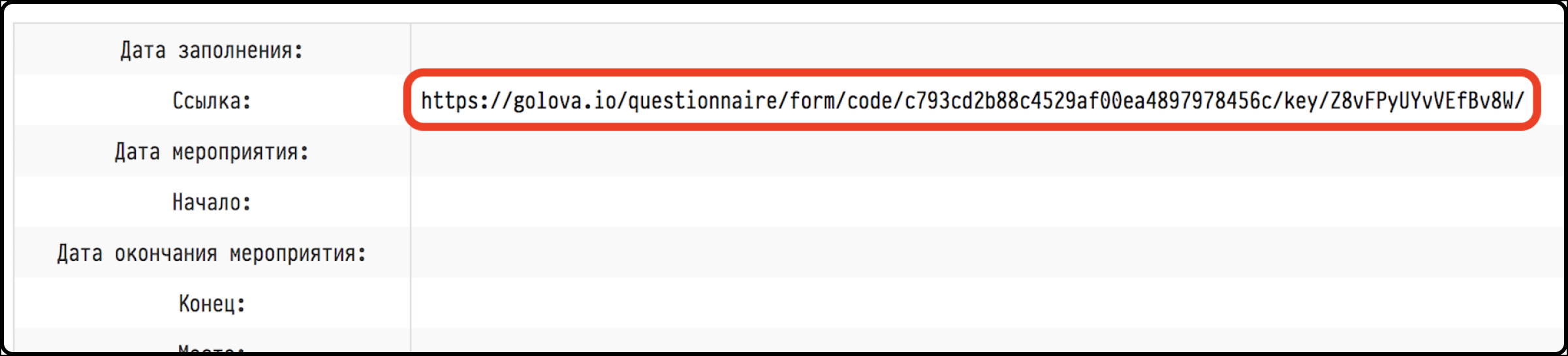
The link opens the questionnaire form:
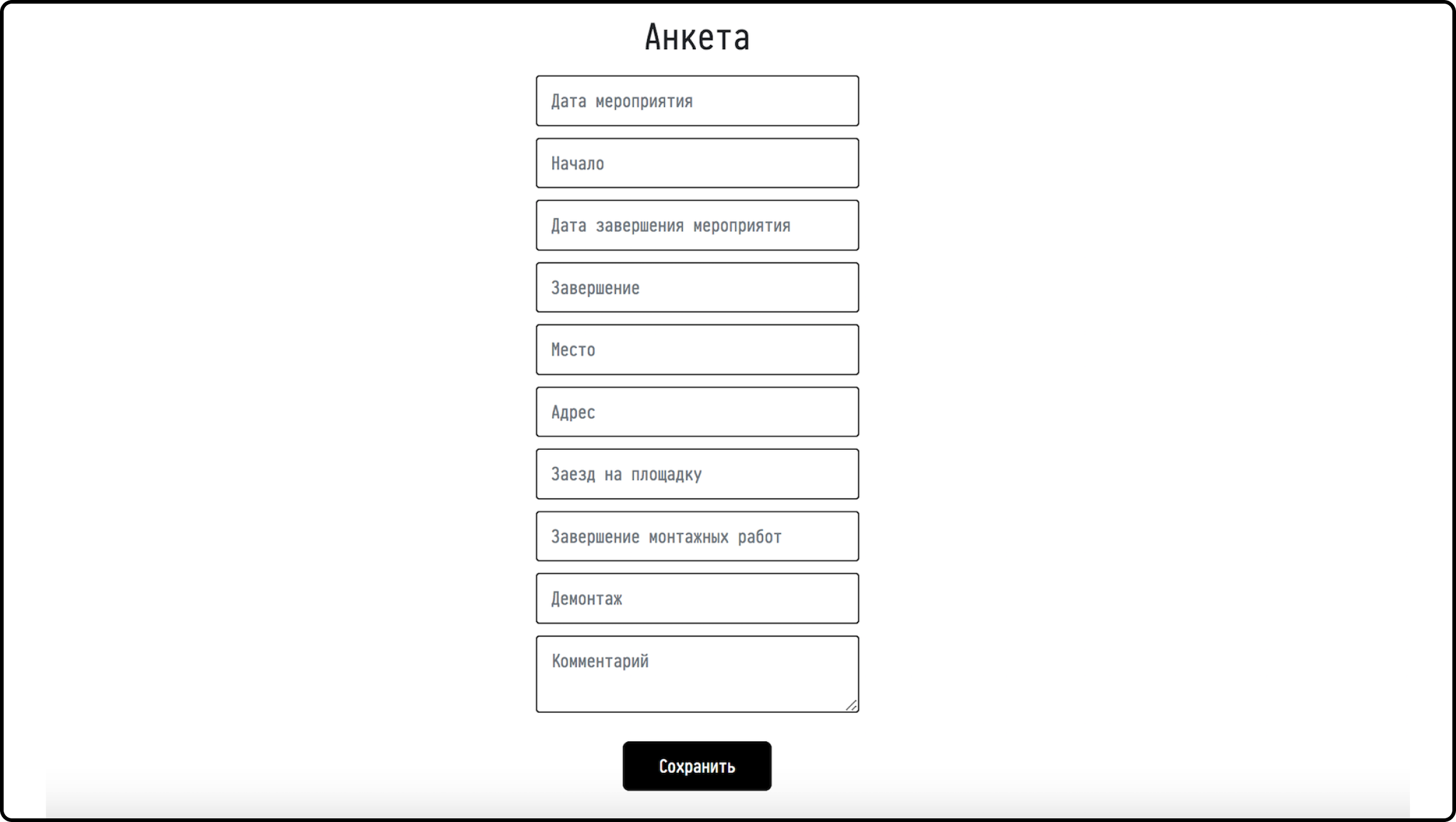
What the questionnaire asks
The questionnaire is designed for the venue representative and has two parts.
Event dates:
"Event date and time";
"Arrival at the venue" and "Departure from venue";
"Assembly" and "Dismantling";
"Comment".
Venue and technical conditions:
"Venue name" and "Venue address";
"Floor", "Elevator" and a comment on them;
"Floor surface", "Unloading conditions", "Case storage";
"Control desk location";
"Distance to power (Sound)", "Distance to power (Light)", "Connection type (Sound)", "Connection type (Light)";
"Dress code", "Access mode", "Providing lists";
"Special requirements".
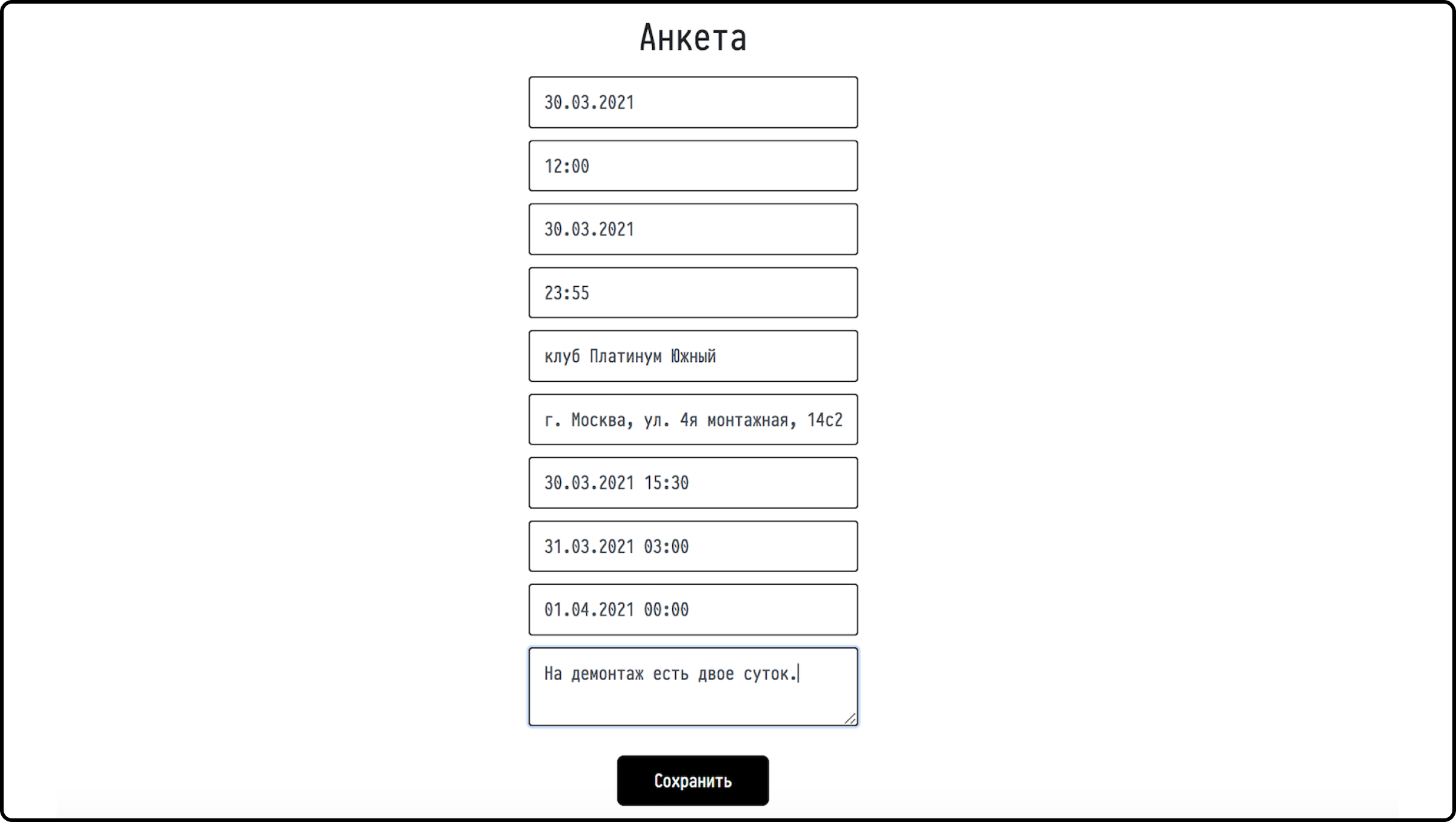
Where to see the answers
After the person fills in the form and clicks "Save", their answers appear on the "Questionnaire" tab of the project. The "Date of filling in" row shows when the questionnaire was last saved.
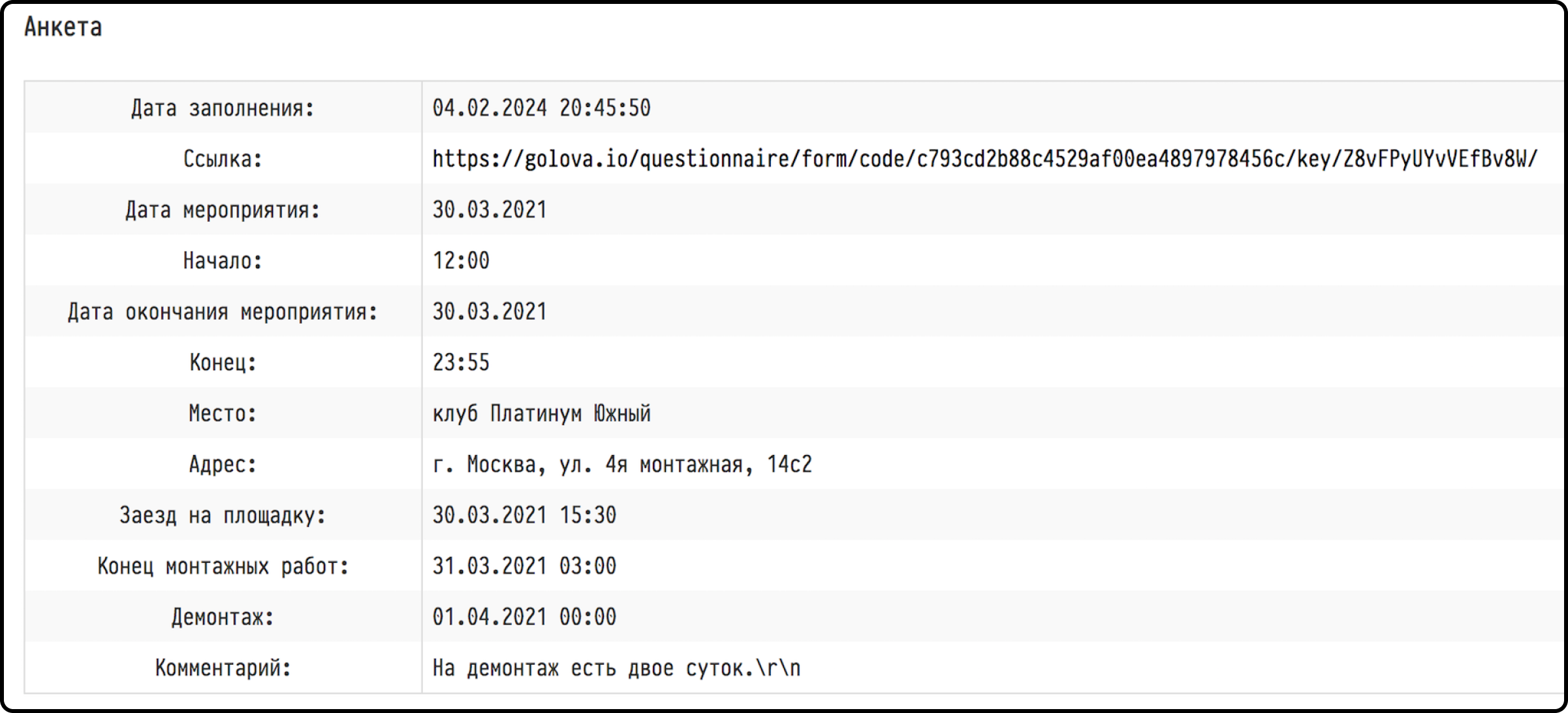
The questionnaire can be updated. If something has changed at the venue, the person opens the same link, corrects the answers and saves again. The "Questionnaire" tab shows the new data and the new filling date. You do not need to send a new link: the project has only one.
Who sees the tab
The "Questionnaire" tab is visible to employees who have it open in their access template: the "Project" tab, the "Questionnaire" block. More about templates: Creating a new template.