Coefficient and Discount
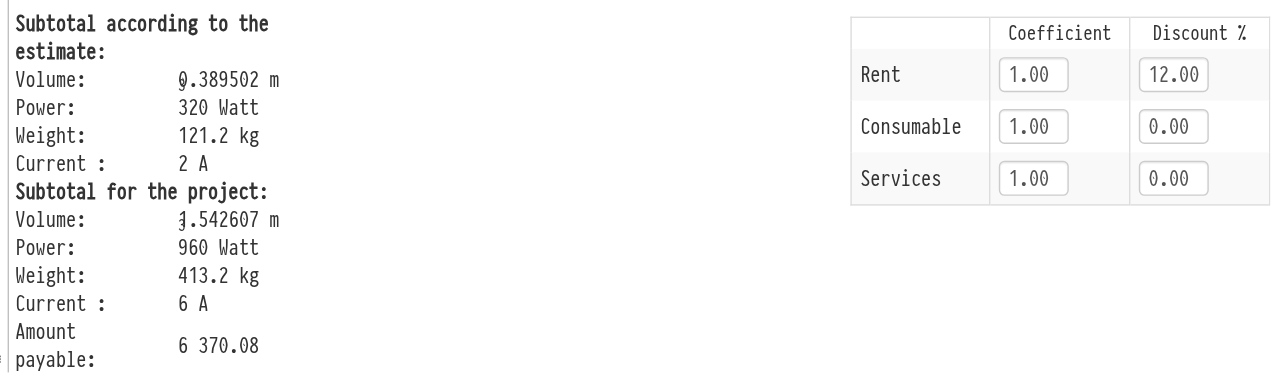
Under the list of entries of each estimate sheet there are two blocks: on the left, totals of the physical parameters; on the right, the coefficient and discount of the sheet.
Coefficient and discount of the sheet
In the lower right part of the selected estimate sheet, under the list of entries, there is a table with the cost increase coefficient and the discount. Here these two parameters are set at once for the whole sheet. Their values are set separately for equipment (the "Rent" row), for consumables (the "Consumable" row) and for services (the "Services" row). The discount is set as a percentage, the coefficient as a multiplier.
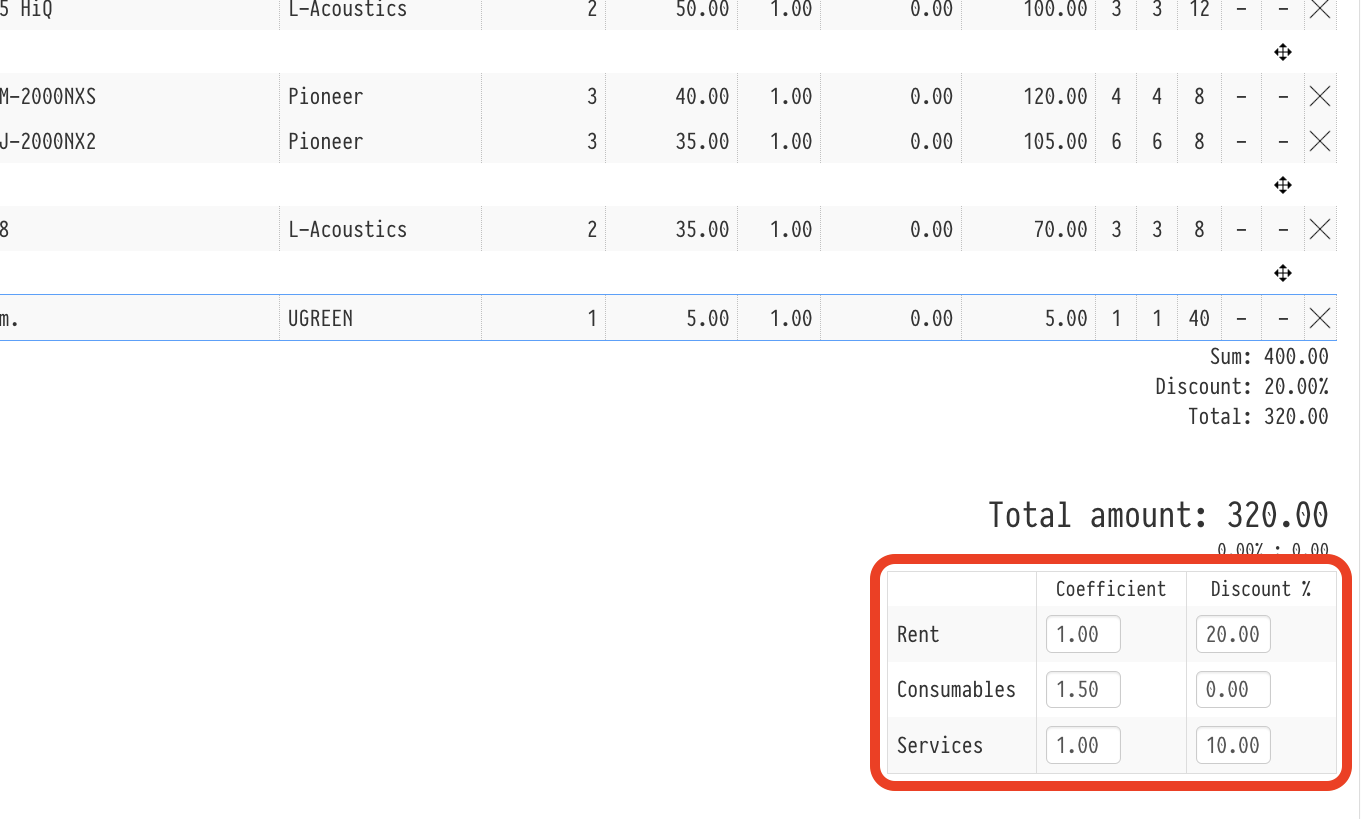
A new value is saved as soon as you leave the field, and the totals of the sheet are recalculated at once. The same values can be set in the "Parameters" window of the sheet, see Parameters.
The values can be changed by an employee whose access template gives full access to the estimate "Prices", and only while the estimate status allows editing. With read-only access or on a status without editing, the table is visible but the fields cannot be edited. If prices are hidden, the table is not shown.
Coefficient and discount for all sheets at once
The "Coefficient" and "Discount" parameters can be changed for all sheets of the estimate at the same time. To do this, click the "%" symbol on the right side of the row with the sheet names.
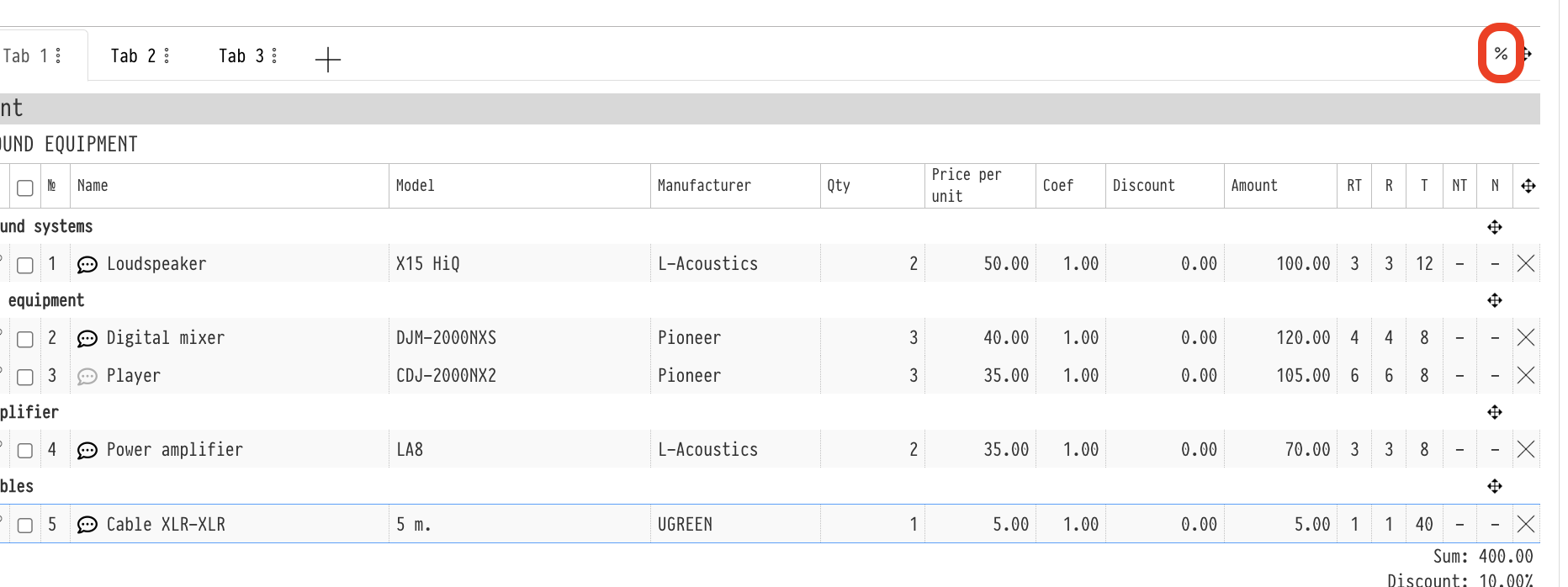
The "Discount/markup management" window opens with the same table: "Coefficient" and "Discount %" for the "Rent", "Consumable" and "Services" rows. Enter the values and click "Apply". All six values are written to all active sheets of the estimate and replace what was set in the sheets separately. Deactivated sheets do not change.
Please note. The window always opens with the default values, coefficient 1 and discount 0, not with the current values of the sheets. If you want to change, for example, only the rental discount, check the other fields before clicking "Apply". Otherwise the coefficients and discounts in all sheets are reset.
The "%" symbol is visible to the same employees who can change the sheet table: full access to "Prices" and an estimate status that allows editing.
Estimate and project subtotals
In the lower left part of the sheet there is the "Subtotal according to the estimate" block. It adds up the physical parameters of all entries of the sheet, taking quantities into account:
"Volume", in cubic metres;
"Power", in watts;
"Weight", in kilograms;
"Current", in amperes.
The values are taken from the catalog entry cards (dimensions, power, weight, current); for a kit, from its contents. For entries created directly in the estimate, the parameters entered when creating them are used. A parameter whose total is zero is not shown in the block.
If the estimate has more than one active sheet, the "Subtotal for the project" block appears below. It shows the same parameters added up for all active sheets and the "Amount payable" row: the total of all active sheets. The "Amount payable" row is visible to employees with full access to the estimate "Prices". Deactivated sheets are not included in "Subtotal for the project".