Print options in the Estimate
The print options block is located at the bottom of the Estimate section and is used to configure the commercial proposal (quotation) before generating it.
Here you can choose which data will be included in the final document and how it will be displayed.
Quotation header settings
The top part of the options controls the content of the quotation header:
Date of formation — document creation date
Project number — project identifier
Company — company details
Project name — project title
Date of the event / Time of the event — event schedule
Client — client name
Client phone — client contact
Venue / Address — event location
Roles for printing
In the Roles for printing block you can select which staff roles will be displayed in the quotation header.
selected roles (e.g., Foreman, Project manager) are included in the document
the Contact option adds contact details for the selected role
Estimate table settings
Price display
Show price for the entry
Display coef for entry
Display discount for entry
When enabled, the table includes:
base price
coefficient
discount
final price
total amount per entry
Images
Show photos for entry — adds item images from the Catalog to the quotation
If an item has an image in the Catalog, it will be displayed in the document.
If not, a placeholder will be shown instead.
Totals
Show total for the section — subtotal within each section
Show total by entry type — totals by type (equipment, consumables, services)
Show total for the estimate — overall total
Additional display options
Display note — shows the note from the quotation template
(Global settings → System → Printed forms → form)Display comment — shows the comment from the Information tab (top-right above the estimate table)
Display zero entries — shows entries with zero price. If you clear this checkbox, entries with a zero amount are left out not only of the quotation but also of the entry tables in the documents you create on the "Documents" tab (bill, invoice and others).
Display UoM — shows units of measurement
Show page numbering — adds page numbers
Titles
Show section title
Show subsection title
Planning blocks
You can include additional project data from the Planning section:
Timeline
Staff
Vehicles
Tasks
Summary register
The Summary register option is used when the estimate contains multiple sheets.
In this case, a summary of all sheets is displayed on the first page of the quotation.
Additional options define what is included in the summary:
equipment totals
consumables totals
services totals
Sheet selection
At the bottom of the block, you can select which estimate sheets (e.g., Main hall, Version 2) will be included in the document.
Export options
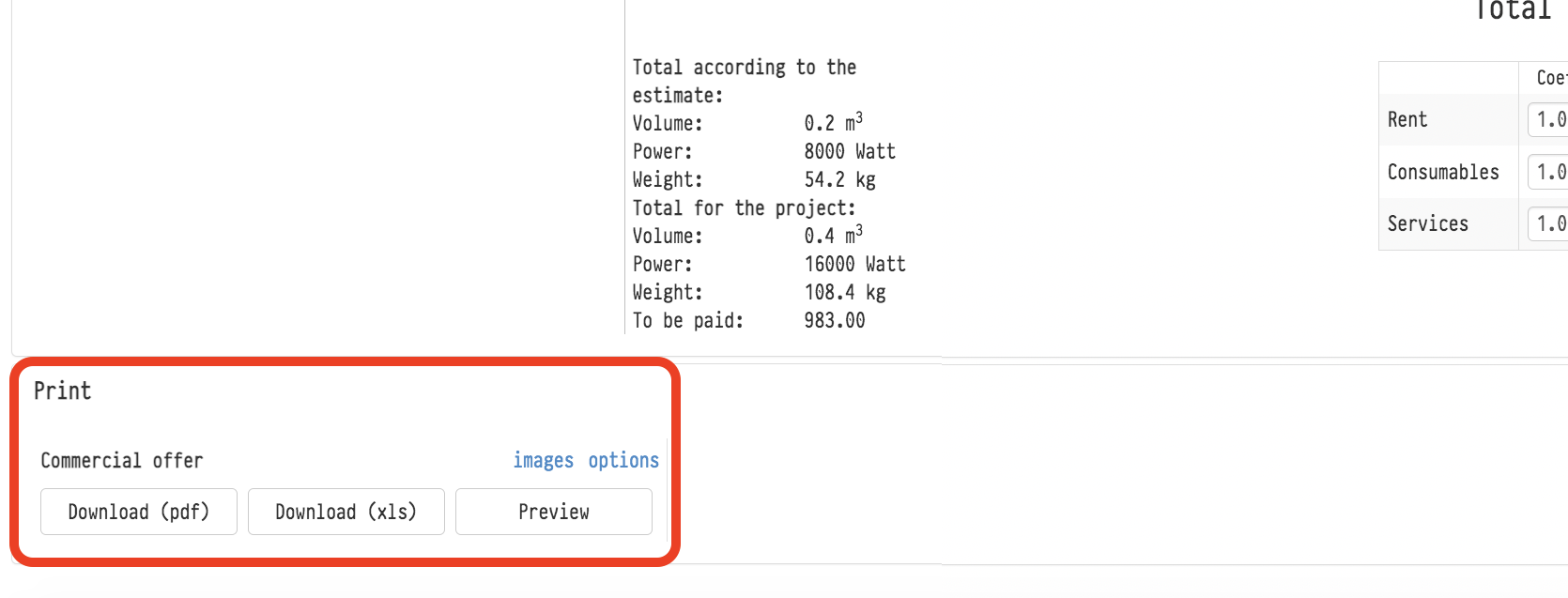
Preview — allows you to check the document before exporting
Download (pdf) — export to PDF
Download (xls) — export to Excel
Additional option:
All tabs on one sheet (.xls) — places all estimate sheets on a single Excel sheet
You can also enable images via the images button before exporting.
Key concepts
Estimate, Quotation, Print, Options, Price, Discount, Coefficient, Totals, Roles, Client, Project, Summary register