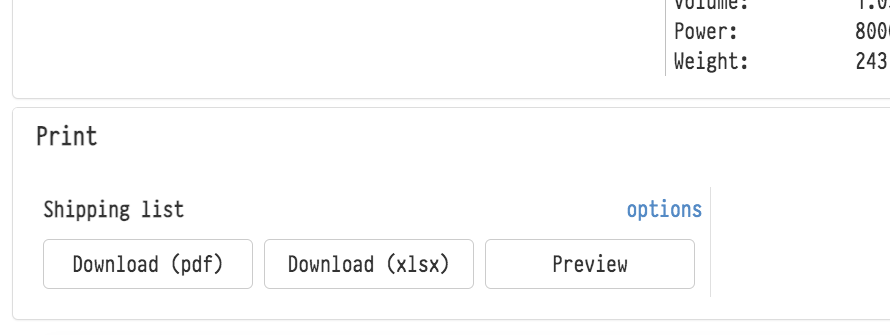
In the "Print" block at the bottom of the "Specification" tab, you can get the warehouse pick list: the "Download (pdf)" and "Download (xlsx)" buttons. The "Show print options" link opens the document view settings: the font and its size, the page orientation, what to show in the table (SKUs, warehouse, kits, sublease and more), roles and contacts in the header.
The "Save to Storage" button saves the pick list in PDF and XLSX at once to the project's "Warehouse list" folder in Storage, with the print options selected at the moment you click. Each save is a new version with the date and time in its name.
The button is visible if the employee has access to Storage (access template, "Services" tab). See Saving documents to Storage.

The default print options for all projects are set in the global settings: see Print. Default Display Setting.