Setting up the "Specification" statuses
In the "Specification status settings" block (the "Settings" gear → "System" → "Calendar") you choose the colour of each specification status. Click the coloured circle next to a status and choose a colour: it is saved right away. If a status has no colour yet, it says "not specified" next to it.
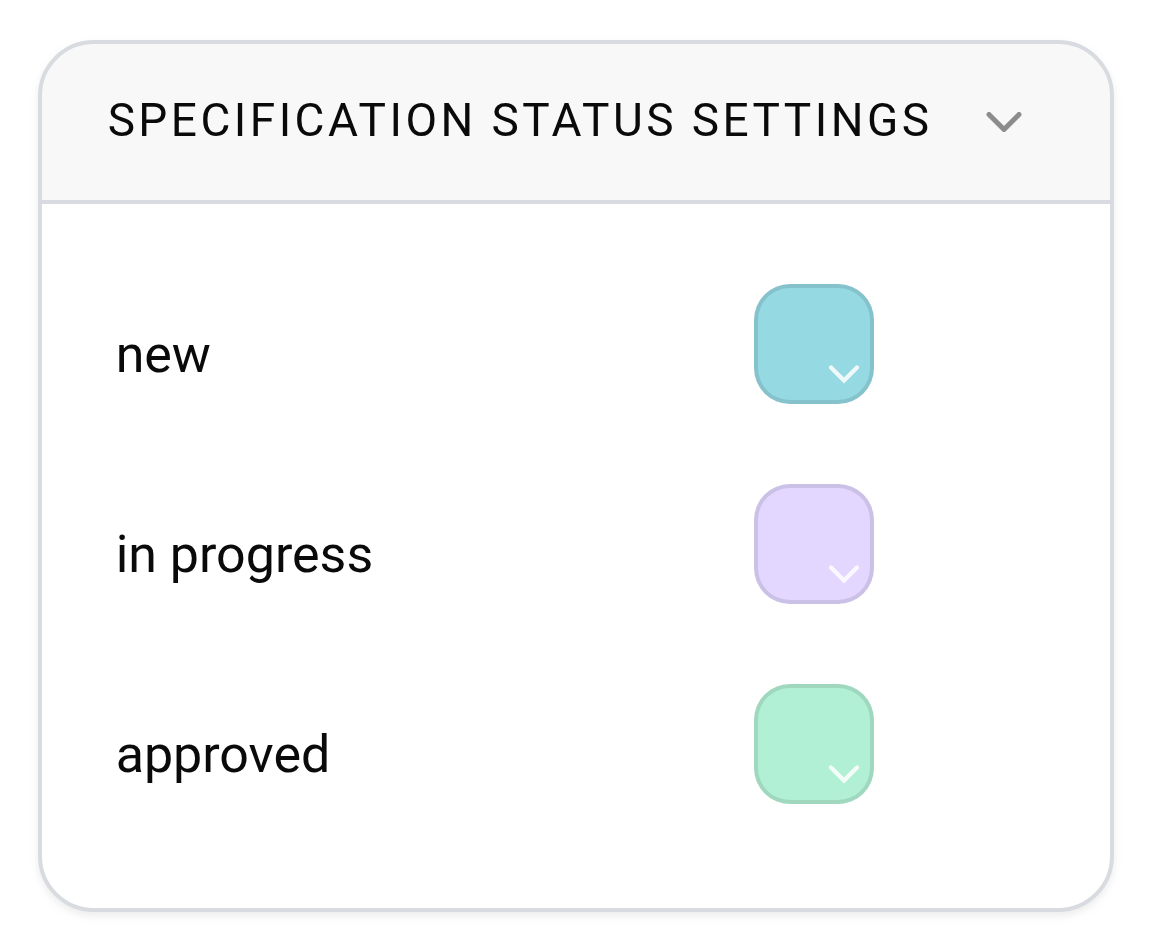
Before, the specification status colours were seen only by employees whose access template had the "Estimate" section hidden. Now this does not depend on the access template. Projects take the specification status colours:
in the calendar on the "Specification" tab, for all employees;
on the "Project" tab, for those who have chosen "Color scheme" → "Specification status" in their personal account ("Settings" tab, "Calendar - projects" block).
The estimate and warehouse status colours work the same way: see Setting up the "Estimate" statuses and Setting up the "Warehouse" statuses. How the specification statuses themselves work: see Specification statuses.
The block is visible only if the specification and the warehouse are included in your plan.