Deactivate
“Deactivate” makes an estimate sheet inactive without deleting it. This is useful, for example, for an alternative version of the equipment list that you want to keep in the project but not count.
To deactivate a sheet, click the three-dot icon next to the sheet name and choose “Deactivate”.
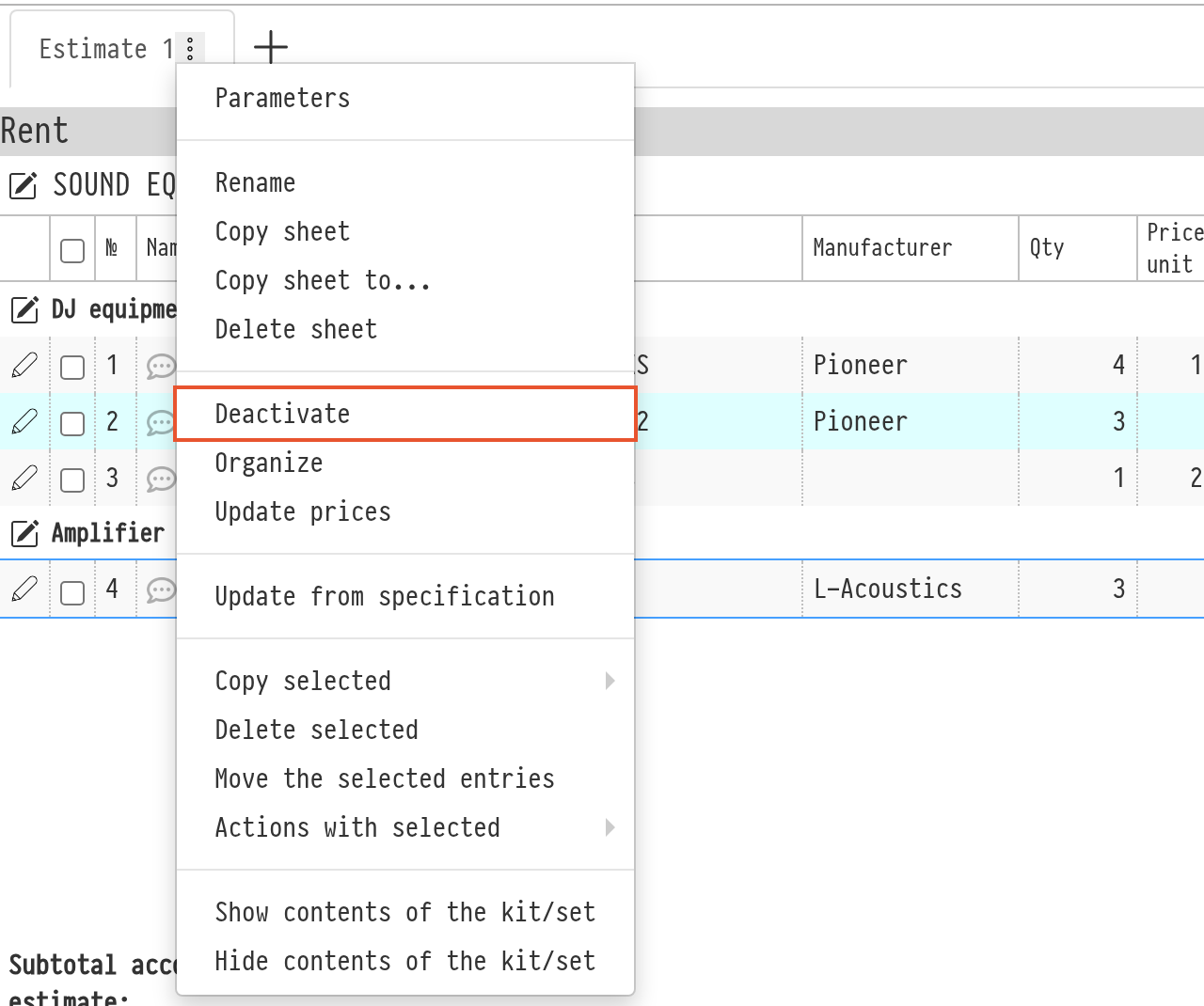
An inactive sheet stays in the project with all its entries. For example, the discount and coefficient window for the whole estimate does not change inactive sheets, and the sales report does not count them. To turn the sheet back on, open the same menu: for an inactive sheet the item is called “Activate”.
Other actions in this menu are described in Actions with the estimate sheet.
esc
↑↓ naviga
↵ seleziona