Kit Card
To open the kit card, select the kit not in the tree structure on the left, but in the workspace (the central part of the catalog screen). Like all other catalog entry cards, the Kit card consists of four tabs: "Information", "Fields", "Files" and "Links". The last three are identical to the corresponding tabs in the Equipment card, Service card and Consumable card. The "Information" tab differs in the fields for prices and parameters.
In the "Type" row there is the "create set" link on the right. It creates a warehouse set with the same contents from the kit, in the subsection open in the catalog tree. See Creating a Set.
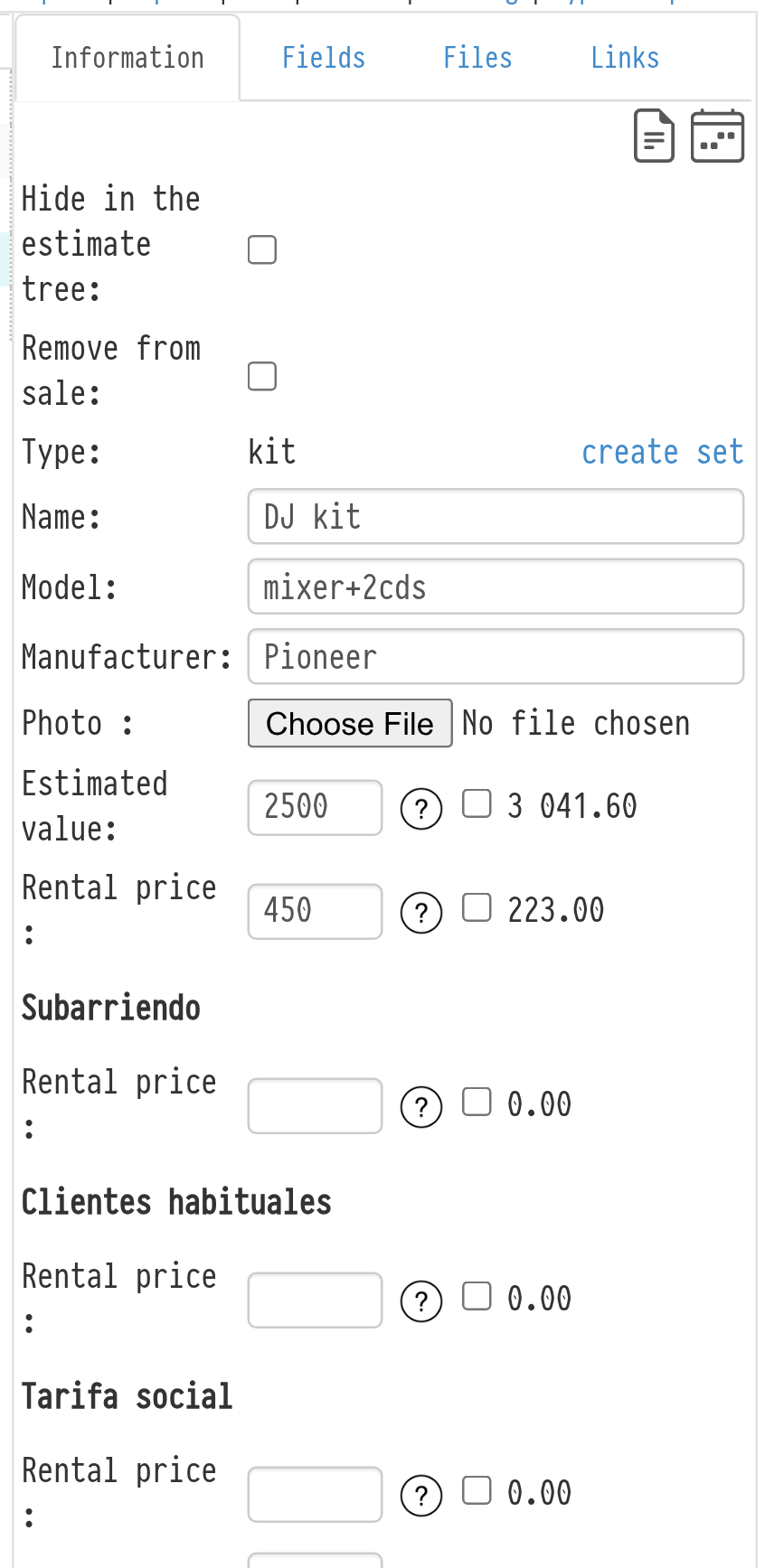
By default, the rental price, estimated cost and parameters of the kit are calculated as the sum of the prices and parameters of all its components. To set them manually, clear the checkbox of the field and enter the value.
Please note. The data you enter manually is applied only when the kit is added to a project as a single line.
Example. You created a kit that includes ten identical LED spotlights. The catalog rental price for each spotlight is €200, so by default the rental price of the kit is €2,000. Clear the rental price checkbox on the "Information" tab and enter, for example, €1,500. Now, when you add this kit to an estimate as a single line, its price is €1,500. If you add it with its components listed, the estimate includes 10 spotlights at €200 each, and the total is different.