Warehouse
The project warehouse is the workplace for picking, shipping and receiving equipment. It shows which project entries are in which warehouse status and which SKUs are assigned to them. Here you also move them from status to status: by hand, with a barcode scanner, with a camera or with RFID.
How to open the project warehouse
The warehouse works in a separate interface that is easy to use on a computer, a tablet and a phone. You can open it in two ways:
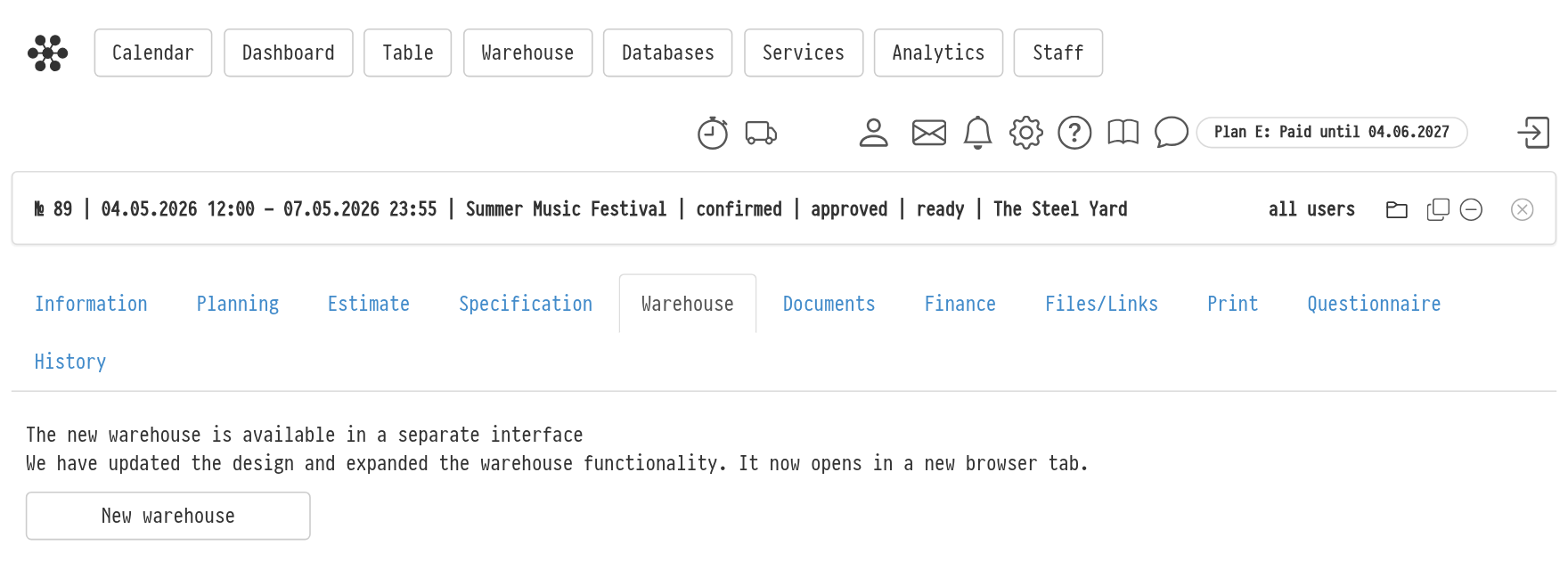
in the project, on the "Warehouse" tab, click "New warehouse": the warehouse of this project opens in a new browser tab;
in the top menu, choose "Warehouse" → "Projects" and click the project card. More about the list: "The list of projects in the Warehouse menu".
Please note. The "Warehouse" tab of the project becomes available when the specification is moved to a status that turns on the warehouse. Until then, the tab says "Attention: to activate this tab, the Specification needs to be set to the required status." Which status turns on the warehouse is set in the gear "Settings" → "System" → "Statuses".
What is on the screen
At the top is the project header: the number, the name and three coloured circles, the estimate, specification and warehouse statuses. Click the circles to see the status names. Below the header there are three blocks. Only one is open at a time: click a block title to open it, and the others collapse.
"Movement" is the main block. Here the project entries are laid out by warehouse status, shipping is started and SKUs are moved between statuses. More: "Movement".
"Scanner log": the history of barcode and RFID tag reads for this project. More: "Scanner log".
"Log": all actions in the project warehouse: SKU assignment, moves, condition changes. More: "Log".
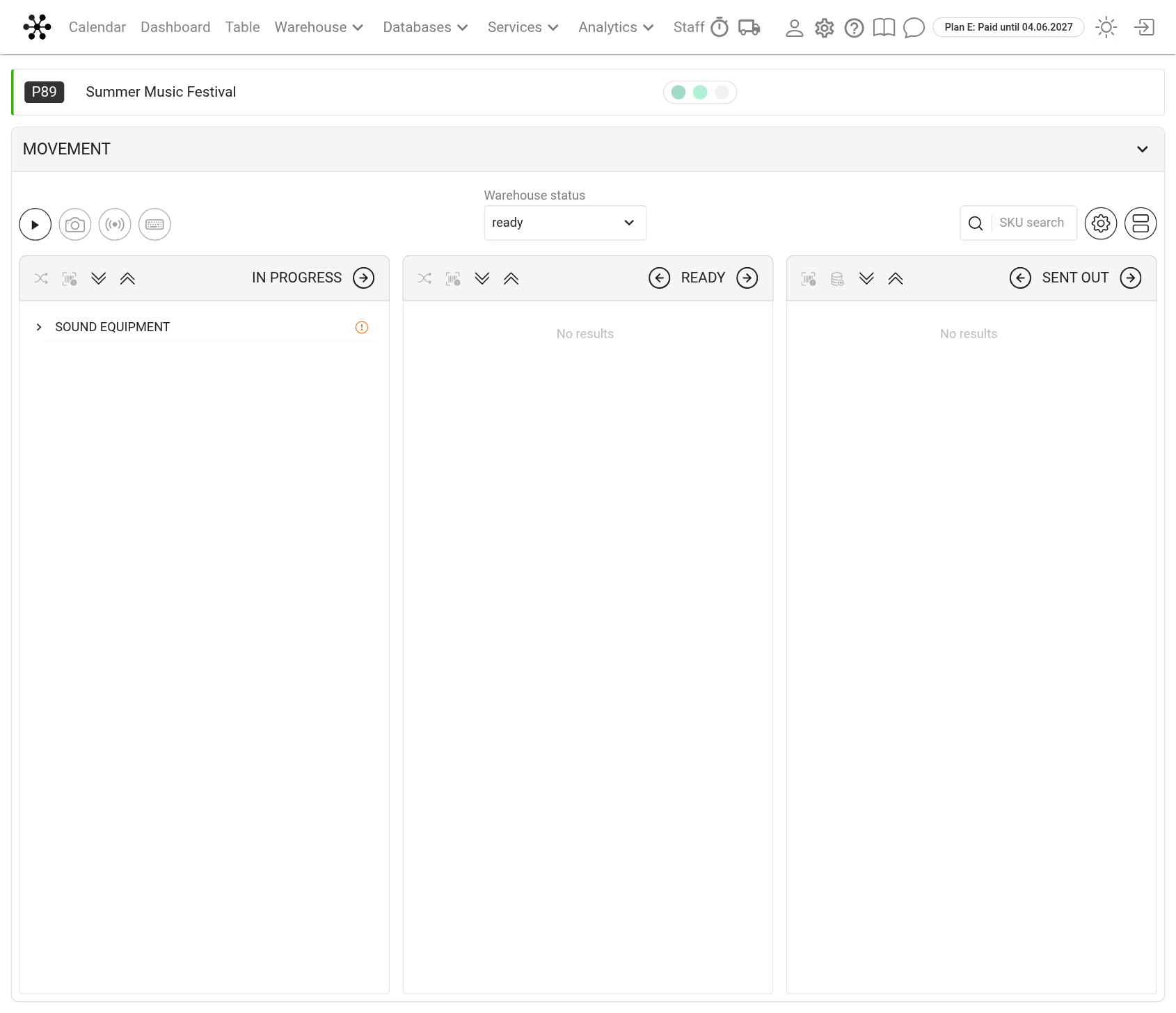
If other employees or a handheld terminal work with the same project at the same time, their changes appear on the screen by themselves. You do not need to refresh the page.
Project warehouse status
The current warehouse status of the project is shown by the third circle in the header and in the "Warehouse status" field in the "Movement" block. You can change it in this field. More: "Warehouse statuses".
Access rights
Employees can see the warehouse if their access template has "show" in the project "Warehouse" block. The warehouse is not available on all service plans.
Only the "full access" level in the "Warehouse" row lets you assign SKUs, move them and mark faults. With "read-only" access, and for guest users, the warehouse opens for viewing only.
You can change the "Warehouse status" field if you have full access in both the "Warehouse" row and the "Statuses" row.
How to set up rights: "Creating a new template".