Fields
In the Catalog, you can create additional fields for all entities: entries, kits and SKUs. By default, the card has dimensions, weight, power and current, but you can add your own fields — for example, “peak power”, “gross weight”, etc. All additional fields are created in the “Fields” list: open the “Catalog” and click “Fields” in the row of links above the catalog table.
The list shows the “Field Name”, “Unit of measurement” and “Comment” of each field. The cross at the end of a row deletes the field.
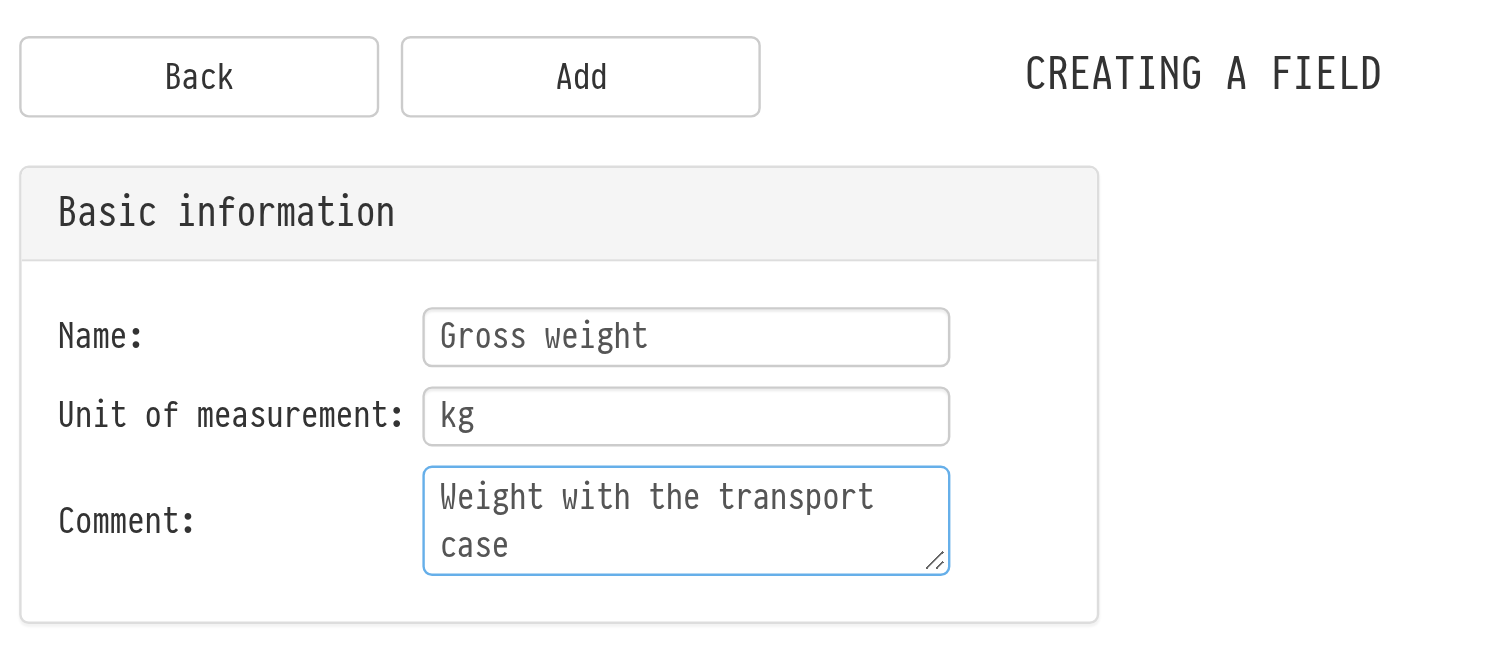
To create a field, click “Add”. On the “Creating a field” page, fill in “Name” and “Unit of measurement”, add a “Comment” if needed, and click “Add”.
After that, open the card of an entry or SKU and go to the “Fields” tab. There you choose which of the created fields this card should have — see the article “Fields Tab”.