Consumable Card
In order for the Consumables card to appear in the right part of the Catalog, you need to select it in the central part of the workspace. The card consists of four tabs (Information, Fields, Files, Links) and is almost identical to the Equipment card. The difference is the "Scan one by one" flag on the "Information" tab.
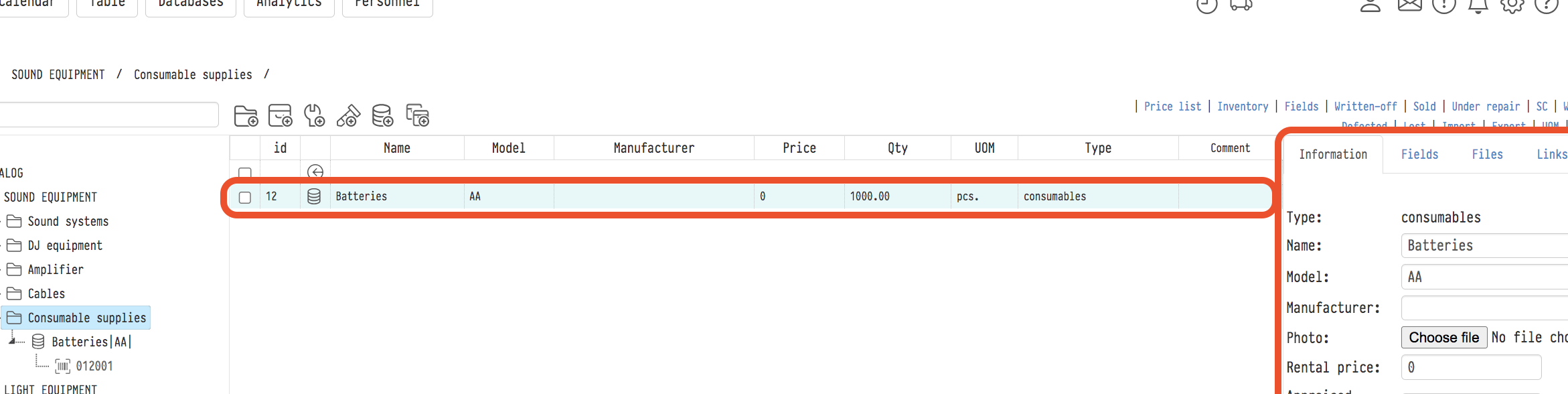
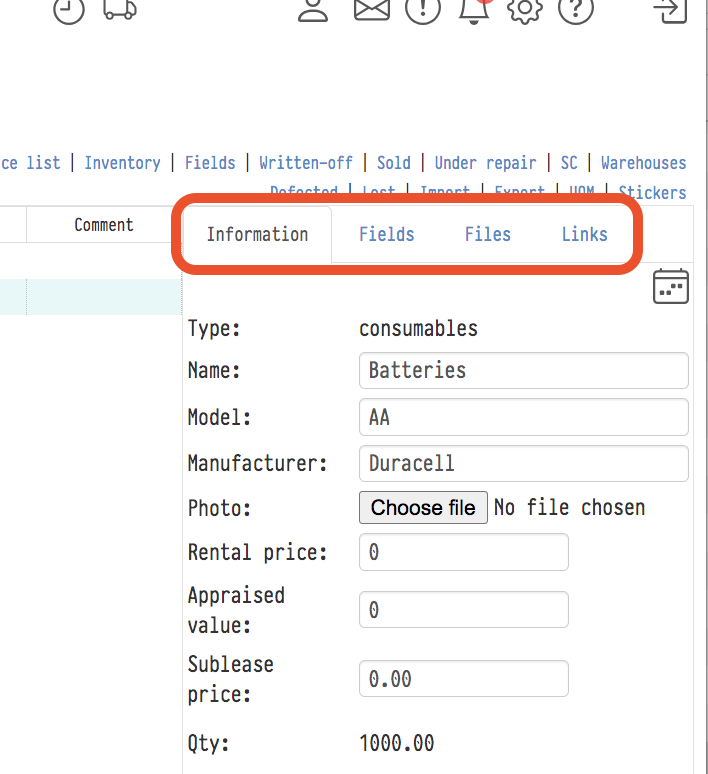
Scan one by one
Consumables are usually stored as a batch under one SKU. When such an SKU is scanned in the project warehouse, the system asks how many units to move. This way you can ship or receive only part of the batch.
If each unit is scanned separately, select the "Scan one by one" checkbox on the "Information" tab (it is under the "UoM" field). Then the quantity is not asked when scanning: one scan is one unit.
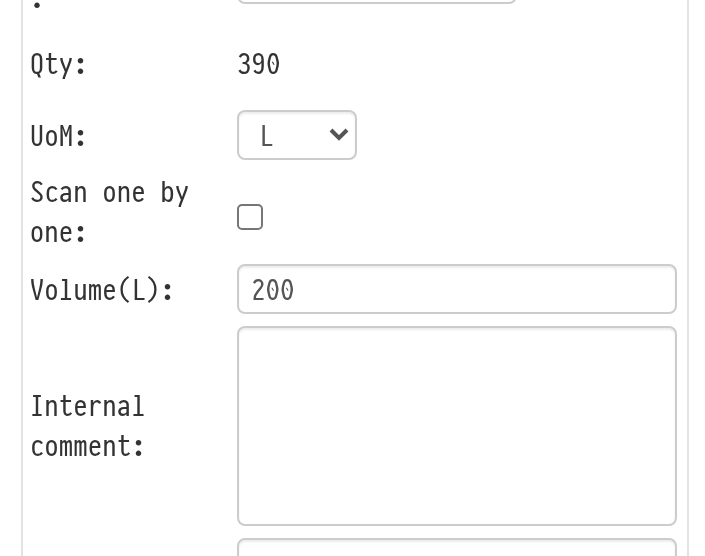
Changes of the flag are recorded in the catalog log.
How scanning works in the warehouse: Scanning barcodes and changing position statuses.