Staff/Transport
The "Staff/Vehicles" block shows the expenses for employees and company vehicles that you add on the "Planning" tab of a project.

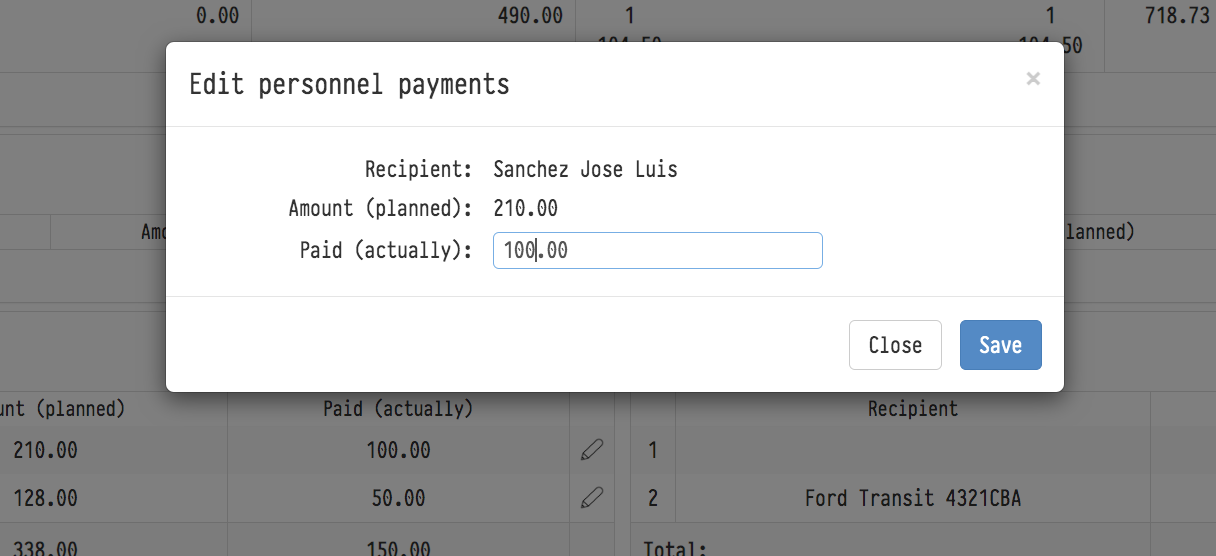
Each row of this block has the planned expense field and the amount already paid. Unlike the planned payment (which comes here automatically from the "Planning" tab), you enter the actual expense yourself after the payment has been made: click the "Pencil" icon and fill in the "Paid (actually)" field in the window that appears.

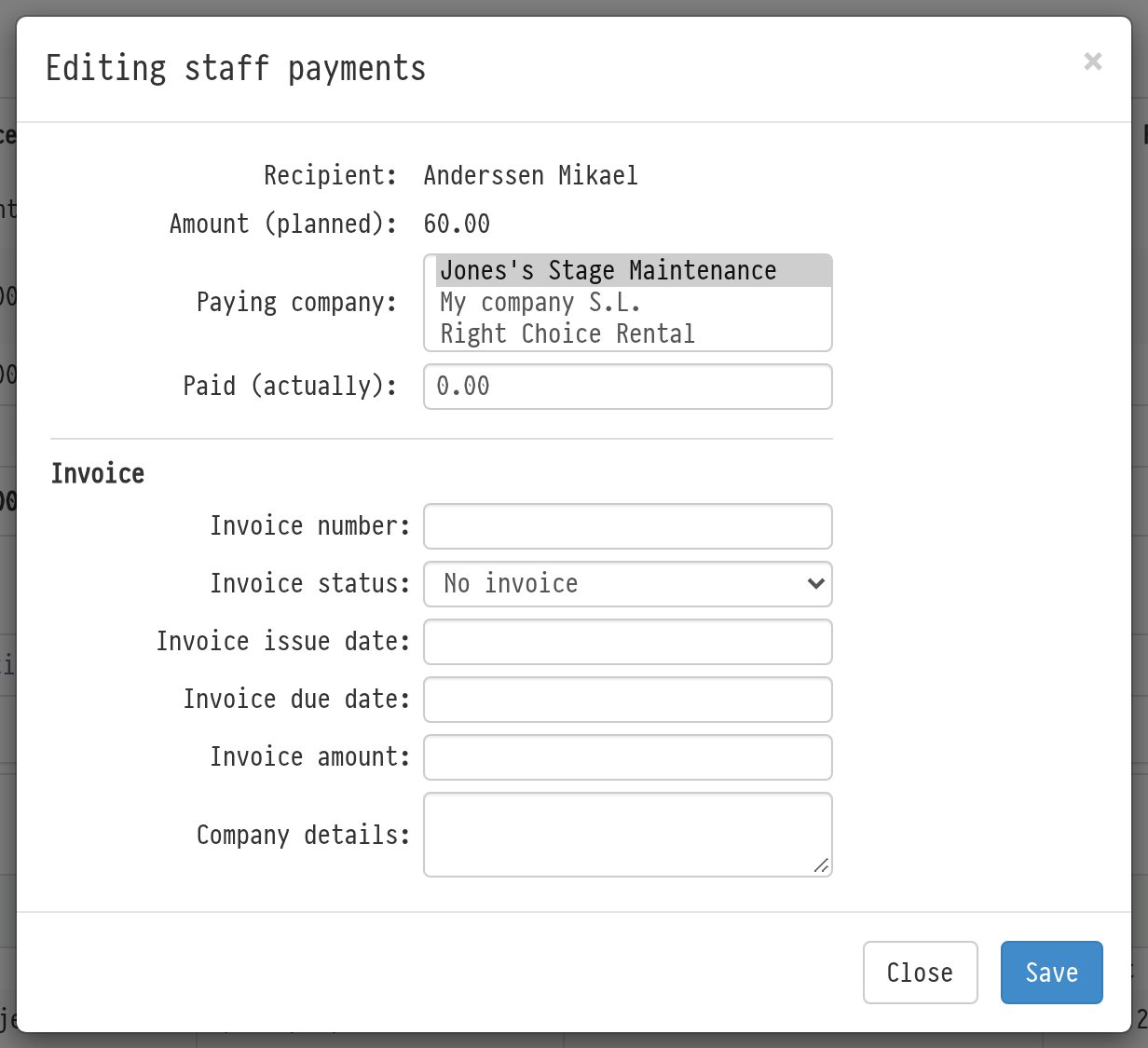
The "Editing staff payments" and "Editing vehicles payments" windows have the "Paying company" field: choose which of your companies pays. The company is shown in the "Paying company" column of the table. The "My companies" filter of the financial report in "Analytics" selects the expense by this company. If no company is selected, the expense is not included in the report when you filter by company.
To process all staff or vehicle expenses at once, use the "Conduct expenses" button in the "Calculator" block. See The "Conduct expenses" button.