Sublease
In this block, data on planned sublease expenses becomes visible as they are processed in the "Specification" tab (the "Sublease" block).

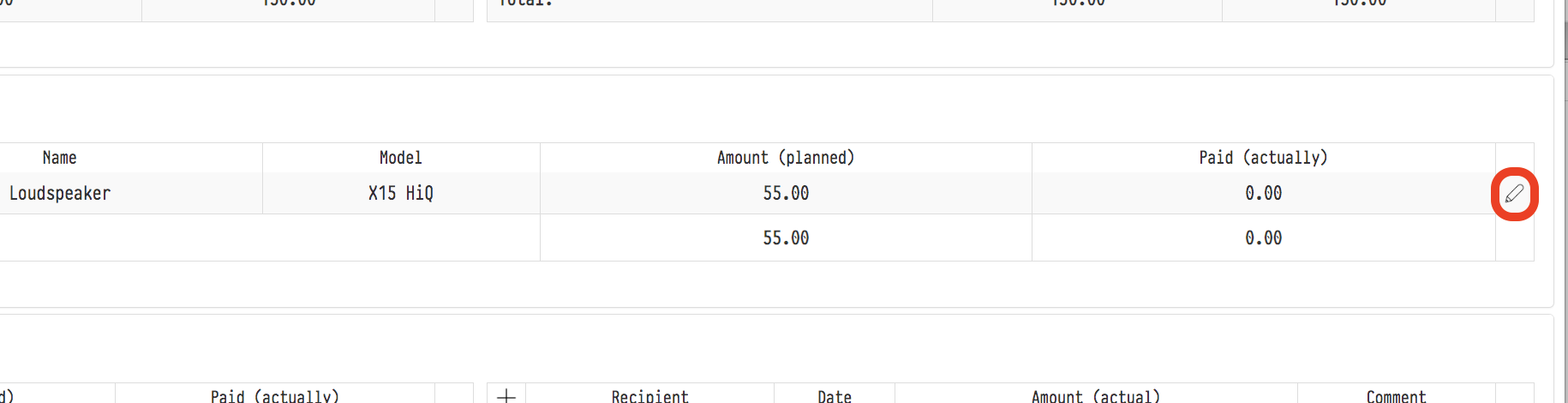
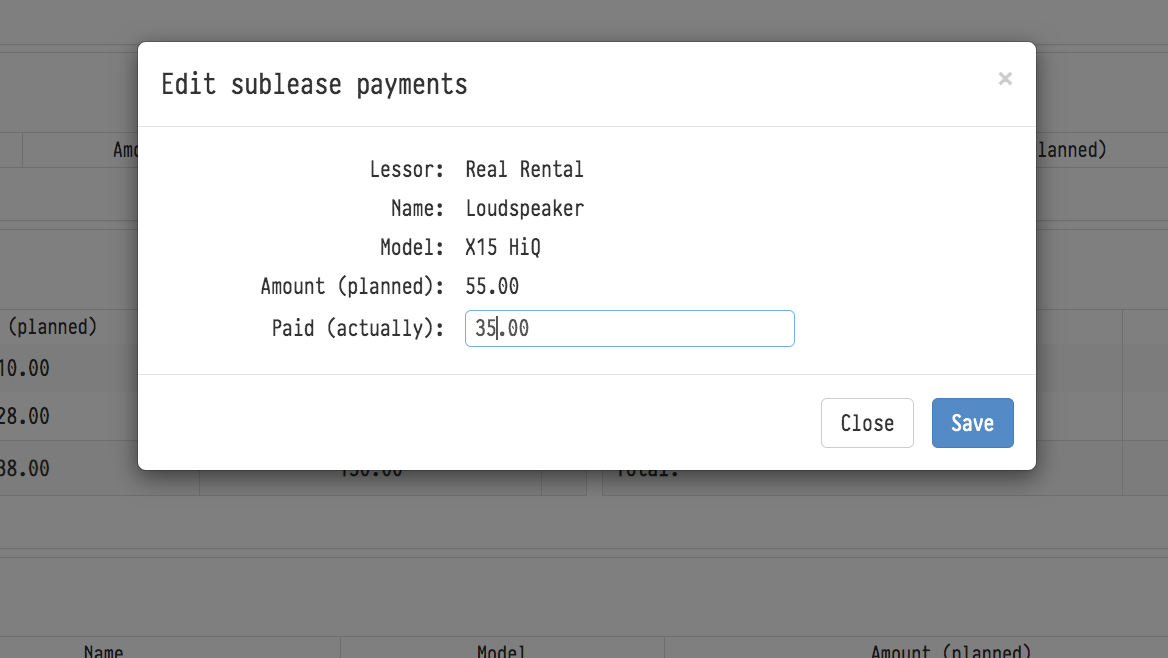
The actual expense is entered by clicking the "Pencil" icon and filling in the "Paid (actually)" field in the window that appears, after the actual payment has taken place.
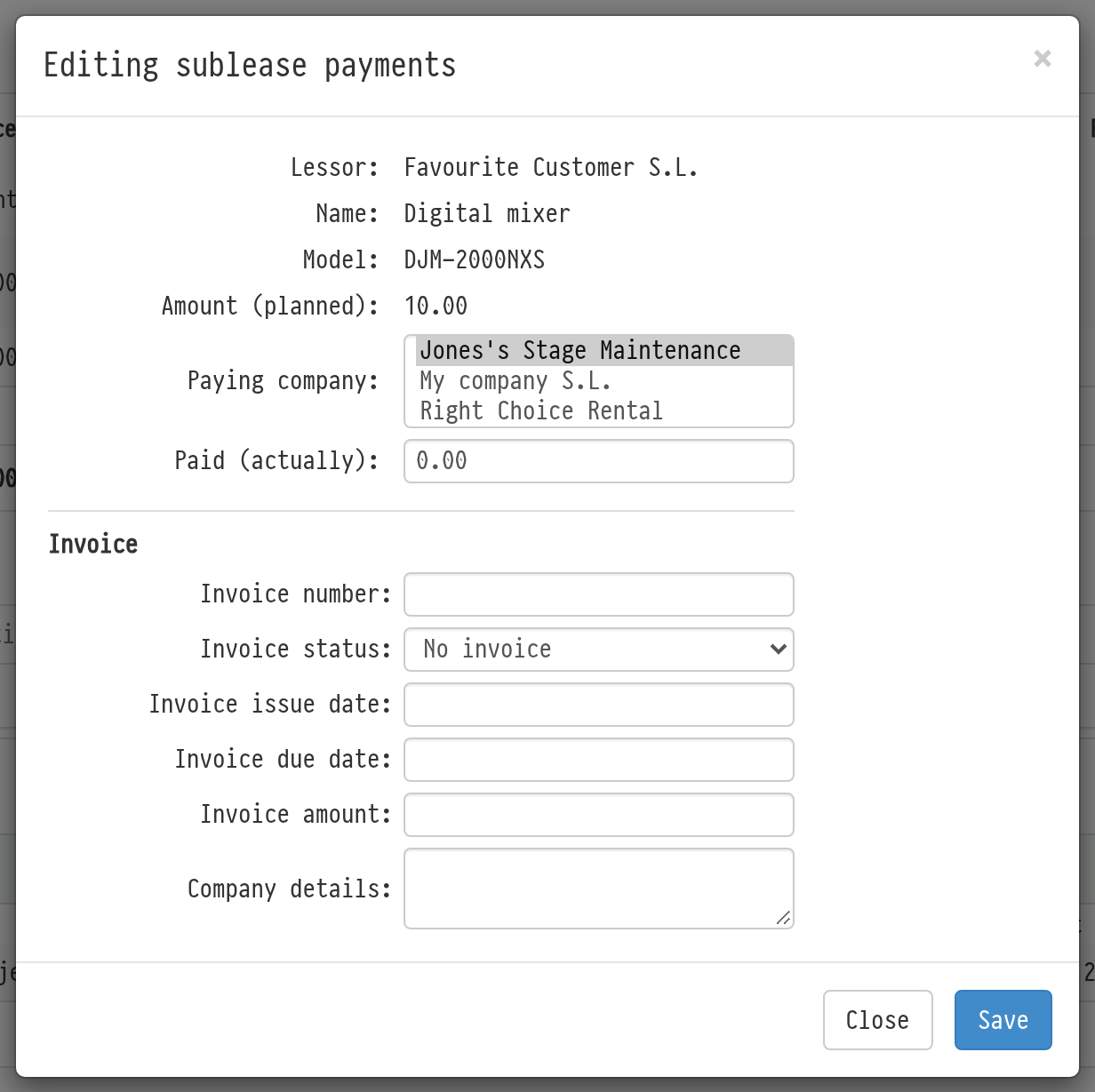
The "Editing sublease payments" window has the "Paying company" field: choose which of your companies pays the lessor. The company is shown in the "Paying company" column of the table. The "My companies" filter of the financial report in "Analytics" selects the expense by this company.
To process all the sublease of the project at once, use "Conduct expenses" → "Sublease" in the "Calculator" block. See The "Conduct expenses" button.
esc
↑↓ navegar
↵ selecionar